Hopex for the ArchiMate® Framework Desktop Presentation
Hopex for the ArchiMate® Framework has its own Working Environment Template desktop.
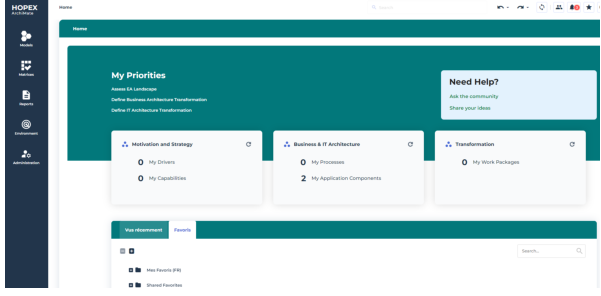
Hopex for the ArchiMate® Framework homepage
The Home page presents KPIs about the repository content for the model assigned to the current user.
 For more details, see Assigning the default ArchiMate Model to a user.
The homepage KPIs are:
• Motivation and strategy
• Drivers
• Capabilities
• Business & IT Architecture
• Processes
• Application Components
• Transformation
• Work Packages
This can be customized by an administrator according to your specific needs.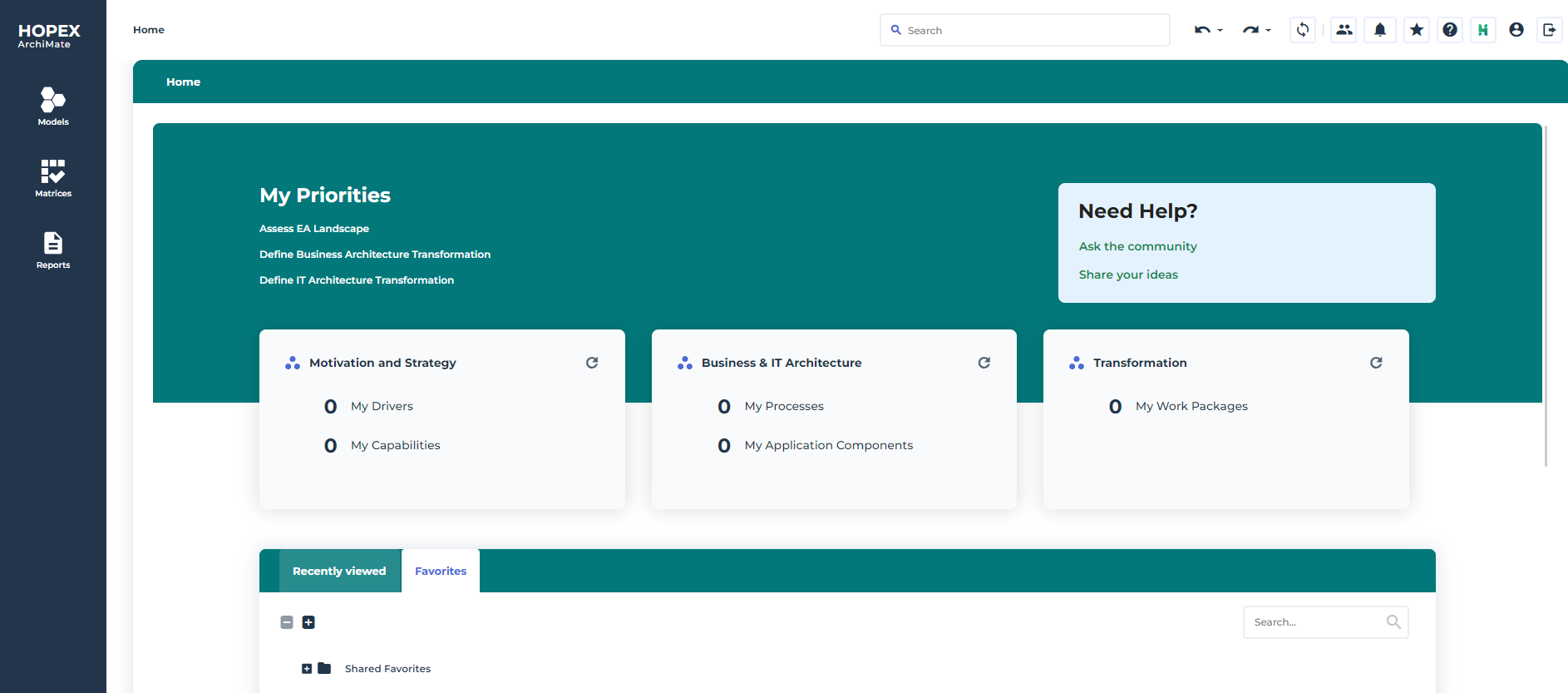
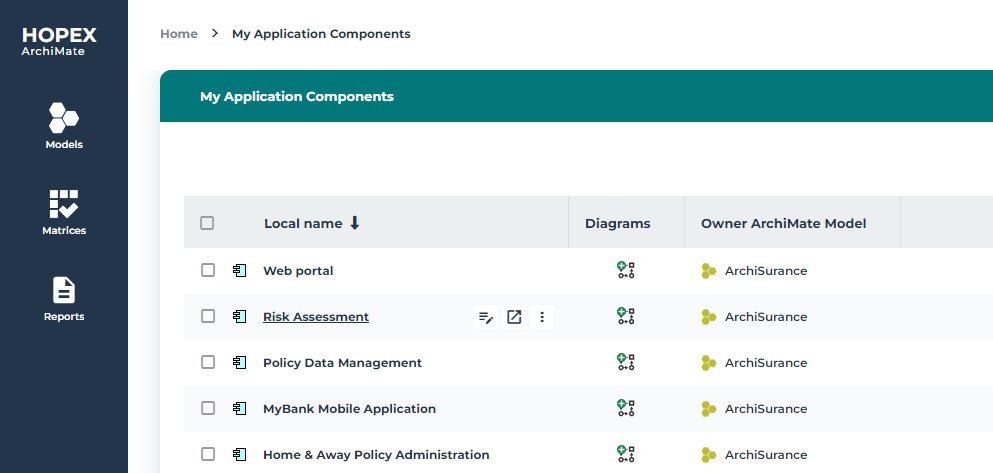
To get the list of Application Components of the Model assigned to the current user:
 In the Business & IT Architecture tile of the Home page, click My Application Components.
 The list of application components of the model is displayed.
Hopex for the ArchiMate® Framework naviagation menu
Hopex for the ArchiMate® Framework navigation menus provide access to:
• ArchiMate® Models and their elements in tree view (see Models navigation menu and Models folder),
• Specific property pages for ArchiMate® Elements (on the right side of the screen).
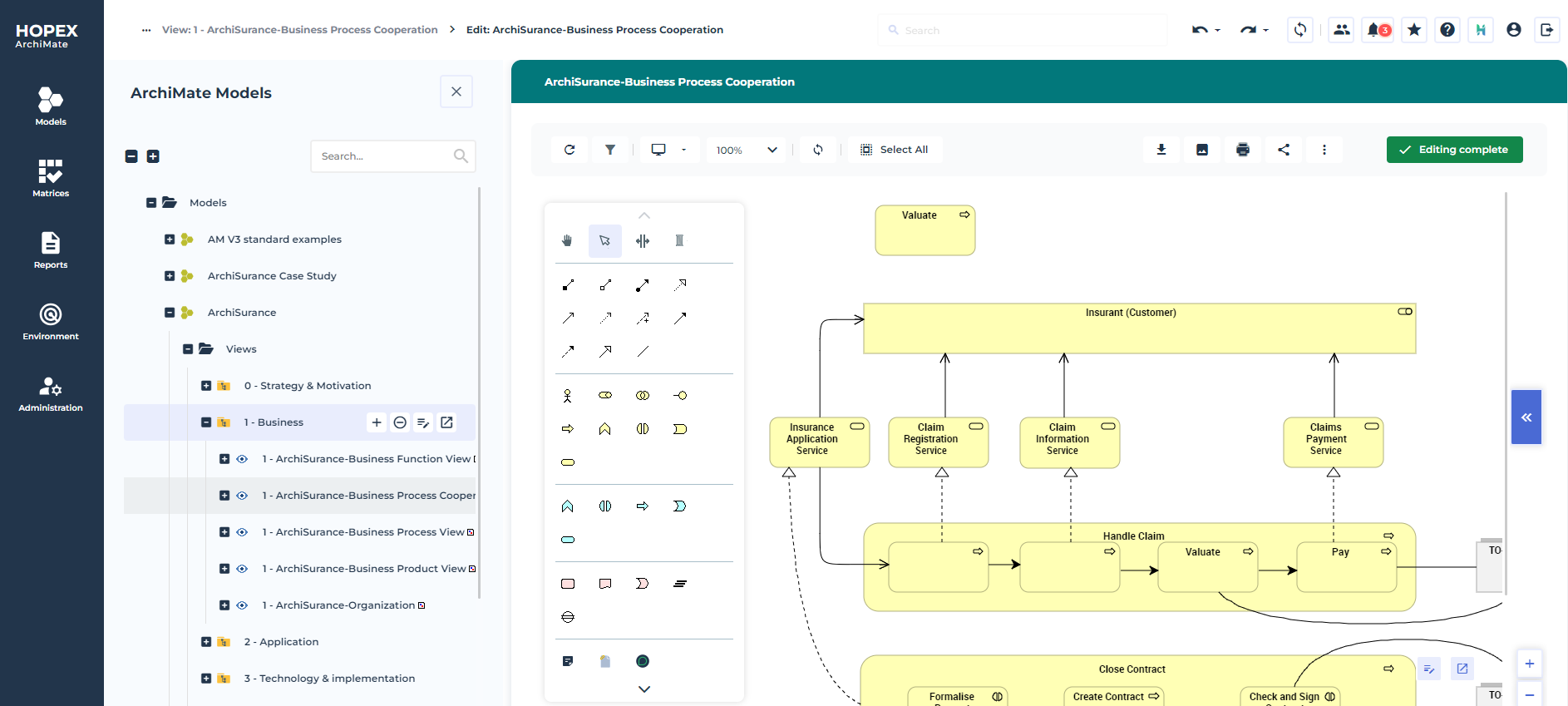
Hopex for the ArchiMate® Framework Desktop
Presenting the ArchiMate Enterprise Architect workspace
The ArchiMate Enterprise Architect creates Enterprise Architectures Models.
This profile has access to the following navigation menus:
• Home that is common to all Hopex solution users;
• Matrices that provides access to ArchiMate® matrices, see Accessing Hopex for the ArchiMate® Framework Matrices;
• Reports: produces access to all reports, improving understanding of models, see Accessing Matrices with Hopex for the ArchiMate® Framework;
The Models navigation menu
The Models navigation menu provides access to the ArchiMate® model, its views and the object used.
For more information on an ArchiMate® model creation, see Starting with Hopex for the ArchiMate® Framework.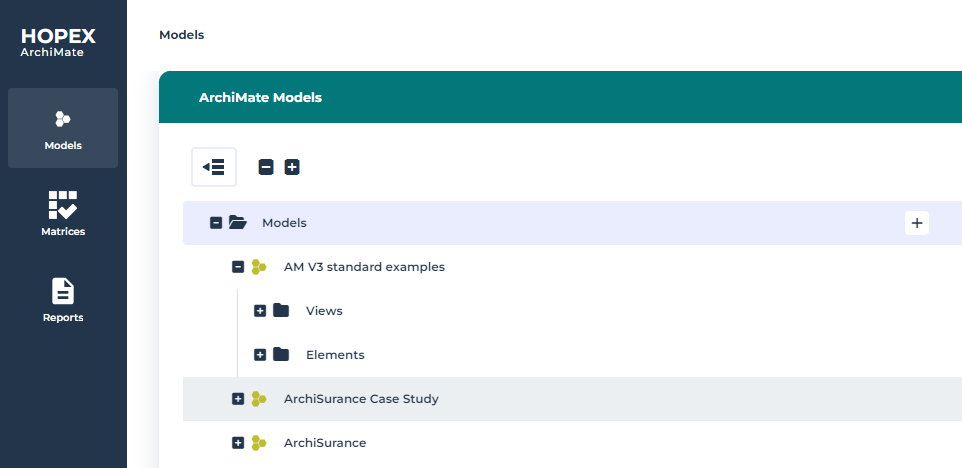
Presenting the ArchiMate Functional Administrator workspace
The ArchiMate Functional Administrator has rights on all objects and Architectures.
In addition, this profile prepares the work environment and creates elements required for management of projects. So, the ArchiMate Functional Administrator profile has access to the following navigation menus:
• Environment,
• Administration.
The Environment navigation menu
In addition, the ArchiMate Functional Administrator profile, he has access to the Environment navigation menu to create enterprises and allocate users to working environments.
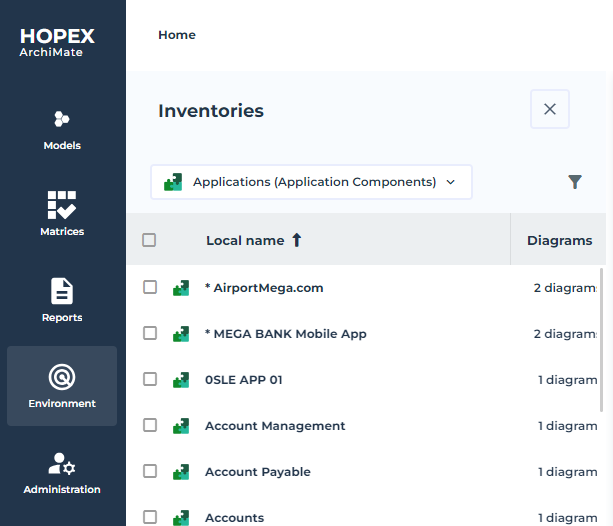
The Environment navigation menu provides access to the following menu:
• Standard Navigation: to access the management functionalities for libraries and environments.
For more details on libraries, see Enterprises and libraries.• Inventories: to access the objects that can be shared across ArchiMate® Models with other Hopex products. For example, Applications inventory is shared with Hopex IT Portfolio Management and can be used by Application Components in an ArchiMate® Model.
 For more details on ArchiMate® objects that can be reused, see The Characteristics properties of ArchiMate® EA Elements enable the mapping of shared inventory objects..
• Viewpoints: to access the list of viewpoints used to select which Metaclasses (Concepts: Element or Relationships) are available on the viewpoint.
For more details on viewpoints properties, see The properties of a viewpoint.• Common sub menu enables access to:
• Report DataSets
 A Report DataSet is a set of data extracted from the HOPEX repository and used as a data source in reports.For more information, see Platform - Common Features > Documentation > Generating Documentation > Managing Report DataSets.
• Sketches, to access all the sketches of your repository.
A sketching diagram is a drawing that enables you to exchange with your coworkers without an issue of methodology or formalism.For more details on the use of sketches with Hopex IT Architecture, see Creating a Sketching diagram with Hopex IT Architecture.• Tags
A tag is a classifying description used to characterize objects.For more details on the use of tags, see Platform - Common Features > Collaboration Tools > Communicating in HOPEX.The Administration navigation menu
The Administration navigation menu provides access to the user management features. The rights of different users on objects of imported libraries depend on their assigned profiles.
For more information on creation of users and assignment of profiles, see the chapter "Managing Users" in the HOPEX Administration guide.