Creating an ArchiMate Model
To create an ArchiMate model:
1. In the Models navigation menu, select Models folder and click the New button.
2. Select Model.
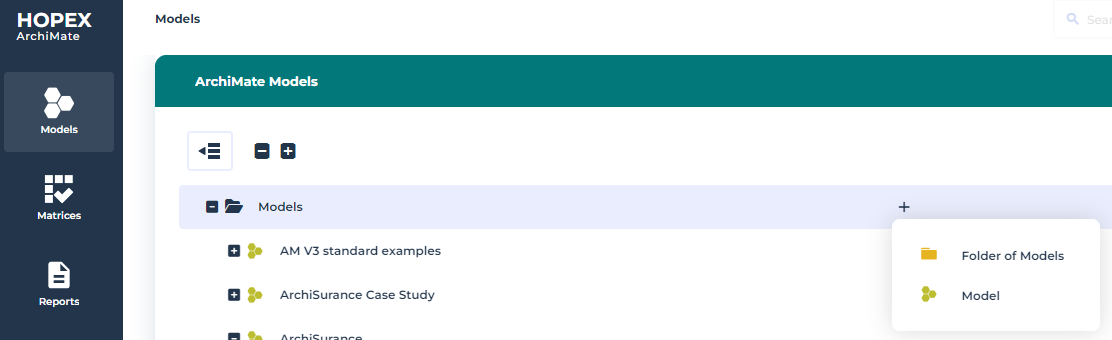
The Creation Model dialog box appears.
3. In the Name box, enter "ArchiSurance", for example, and click OK.
 The ArchiMate model is the root object in ArchiMate and defines a namespace for ArchiMate Elements.From an ArchiMate® model, you can use ArchiMate folders, see Using Hopex for the ArchiMate® Framework Folders.
The Models are represented in a hierarchical tree and can be classified in Folder of Model.
To get more information about the use of folders in Hopex trees, see Handling Trees.
Assigning the default ArchiMate Model to a user