Managing Object Comments
Entering Object Comments
To enter or modify a comment associated with an object:
1. Access the object properties.
2. Display its Characteristics page.
 Depending on the object (e.g. : report), display the Comment page.
3. In the Identification section, the Description/Comment pane displays the comment of the object.
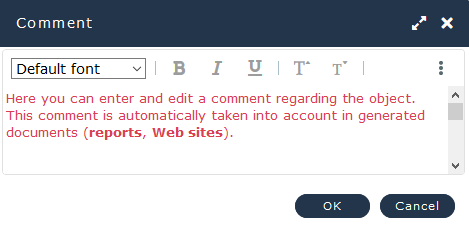
4. Enter/Modify the comment.
A spell check is integrated.• To create a new paragraph while entering the comment: press the <Enter> key.
• For text formatting, see Text Formatting.
• To insert an object into the text, see Inserting object names in comments.
• You can copy/paste text.
The text is pasted without formatting.The comment entered is automatically taken into account in the generated document.
When several types of text are available for the same object, a drop-down list allows you to select the type of text entered.