Accessing the Profile Management Page
In HOPEX Studio, the Profiles & Permissions navigation menu enables management of Profiles.
 For a direct access to profiles, from HOPEX Studio homepage, Inventory indicators, click Profiles.
To access the Profiles management page:
1. Access HOPEX Studio desktop (with HOPEX Customizer profile).
2. Click the Profiles & Permissions navigation menu.
The Profiles & Permissions management sub-menus appear.
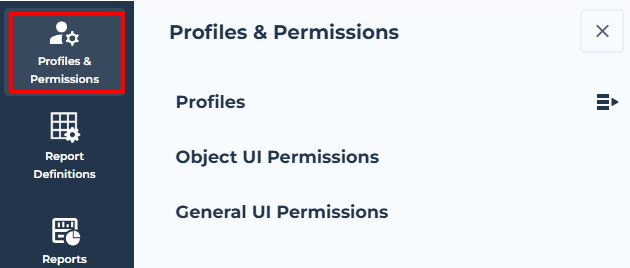
3. Select the Profiles sub-menu.
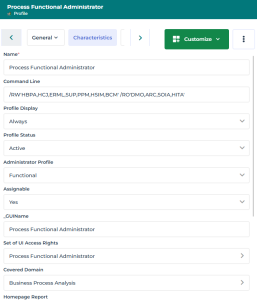
Viewing the Profile Properties
HOPEX Customizer profile has access to all the profile properties (HOPEX Administrator profiles have access to their main characteristics only).
To view a profile properties:
1. Access the Profiles management page.
2. In the edit page, click the profile name.
Use the list filtering tool to access the profile.The profile property pages display its complete Characteristics page.
 See Profile Properties.