Object Handling
 See also Sharing an Object as Email.
Deleting or Removing an Object
To remove or delete an object, use the Remove  button. According to the context, you can then:
button. According to the context, you can then:• delete the object from the repository.
In this case, the deleting wizard pops up.
• remove the object from the list it is featured in
• disconnect an object from another one from a property page
Removing Objects
To remove an object:
1. Right-click the object and in its pop-up menu, select Remove.
Depending on the case, a window prompts you to:
• (by default) simply remove the object
• permanently delete the object
2. Click Remove.
The object is removed from the diagram, for example, but is kept in the repository.
Deleting an object
To delete an object from the repository:
1. Right-click the object and select Remove.
2. (Depending on the case) A window allows you to:
• (by default) simply remove the object
• permanently delete the object
Select Delete and then click Next.
The object and its child objects are listed and selected by default.
3. Click Delete.
The object and its child objects are permanently deleted from the repository.
When you are not authorized to delete the object, a message explains the reason (e.g.: objects created outside of the current private workspace, modification underway by another user).Connecting Objects
You can connect objects, for instance through:
• the Connect command available in a field menu

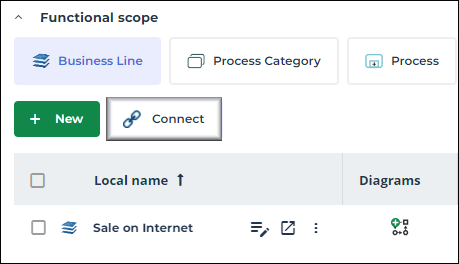
• the Connect  button available in a property page list
button available in a property page list