Question Types
Summary of Question Types
|
Question Type
|
Description
|
|
|---|---|---|
|
Single-line input
|
Input text question enabling to display:
• Text
• Date
• Number
|
 |
|
Long text
|
Multi-line text box
|
 |
|
Date
|
Used to insert a date
 You can also use the Short Answer question type to insert a date. You can also use the Short Answer question type to insert a date. |
 |
|
Number
|
Used to insert a number
You can also use the Short Answer question type to insert a number. |
|
|
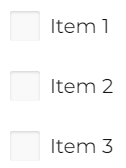
Check Box
|
Used for Multiple Choices
|
 |
|
Yes/No (boolean)
|
Boolean question
|
 |
|
Dropdown
|
Enables to select an answer from a predefined list.
|
 |
|
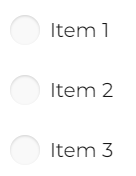
Radio button group
|
Single Choice Question
|
 |
|
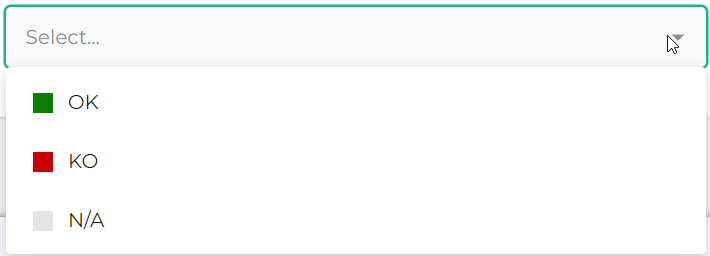
OK/KO
|
OK/KO/NA answers question type
|
 |
|
Rating scale
|
Enables to give a score
It is possible to give a score via labels, stars or smileys.
|
 |
|
Object
|
Used to select a set of HOPEX objects in a drop-down list.
|
 |
|
File Upload
|
Used to upload a file in the form of a business document.
The maximum file size for uploads is 99MB. |
|
|
Expression (read only)
|
Enables to insert a computed expression (it is not a real question). See
|
|
|
HTML
|
Enables to insert HTML code (image, text or URL for example)
This type of answer does not require any answer. This is a feature that enables to enrich the questionnaire visually. |
|
|
Image
|
Enables to insert an image in a questionnaire.
This type of answer does not require any answer. This is a feature that enables to enrich the questionnaire visually. |
|
|
Panel
|
Container element. Can contain several questions.
|
|