Using HOPEX Risk Mapper
The HOPEX Risk Mapper product offers to HOPEX Digital Transformation Desktop a total visibility of operational risks, control points and value chains.
 This product is available if you have the HOPEX Risk Mapper [ERML] key.
Accessing the HOPEX Risk Mapper solution elements
To access objects dedicated to your enterprise risks management:
 In the Risks navigation pane, click Inventory.
A list of tiles is proposed to help you to manage your risks and their environment.
The list of tiles depends on the options you have checked.• Regulation Frameworks;
 A regulation framework is a set of directives, compulsory or not, defined by a government in a law, by standard bodies as "best practices" or as an internal policy in an organization.
• Control systems;
A risk and control system is a set of controls that enables the assurance of risk prevention and management, application of internal operating rules, respect of a law or regulation, or achievement of an objective as defined by company strategy.• Controls;
A control is a set of rules and means enabling the assurance that a legal, regulatory, internal or strategic requirement is respected.• Risks.
A risk is a hazard of greater or lesser probability to which an organization is exposed.Accessing functionalities of HOPEX Risk Mapper
To access the management features for risks:
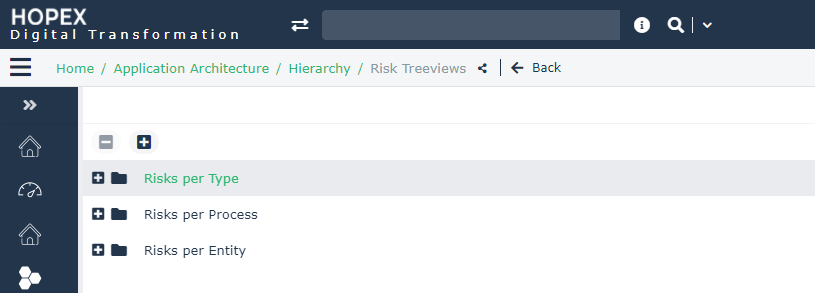
In the Risks navigation pane, click Hierarchy.The displayed tree enables access to the risks according to different criteria.
 For more information on riks and controls management, see Risk Treatment and Controls in the HOPEX Business Process Analysis guide.