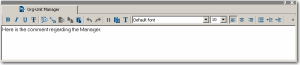
Comment Window
The comment window enables specification of information on the selected object.
To display the comment window:

Click
Comments 
or select
View > Edit Windows > Comment.

Displaying the comment window is useful when you want to successively enter the comments of several objects.
When you click an object in a navigation window, in a diagram, or in a query result dialog box, the comment of the selected (active) object appears in this window. You can therefore easily modify the comment of the object then pass to that of another object.
For more details on how to enter the comment of an object, see
"Naming Objects".

The title bar enables customization of window display in the desktop. You can for example move or dock a window. For more details on window display, see
"Positioning Windows".