Managing Locks on Objects
The Lock Management page of the Administration desktop provides access to:
• the Locks page, which details for each lock:
• the Name of the object concerned
• the Type of object concerned
• the User who owns the lock
• the dates and times (GMT0): Lock Date and, where appropriate, Unlock Date
• The Status of the object concerned (protected or not)

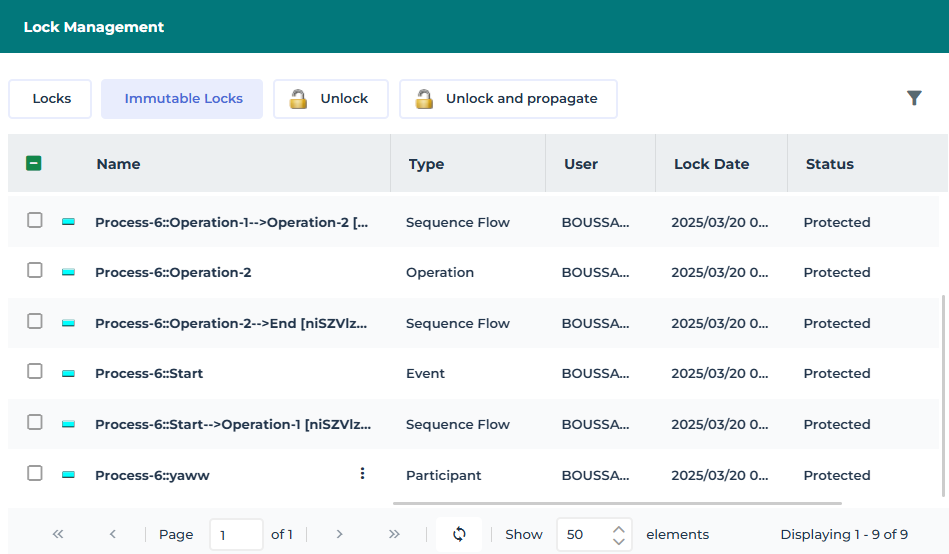
• the Immutable Locks page, which details the following for each immutable lock:
• the Name of the object concerned
• the Type of object concerned
• the User who owns the lock
• its Lock Date and time (GMT0).
• The Status of the object concerned (protected or not)
For each object locked with an immutable lock, you can:
• unlock the object to remove its immutability
• unlock the object and propagate, to remove its immutability and that of its child.
Viewing locks on objects
To view the locks:
1. Connect to the Administration desktop.
2. Click the Repository navigation menu and select Locks.
The Lock Management page appears and displays by default the Locks list.
3. (Optional) To sort locks according to column, click the column header.
 You can also arrange columns in the order you want. To do this, click the header of the column to be moved and, holding down the mouse button, move it to the required position.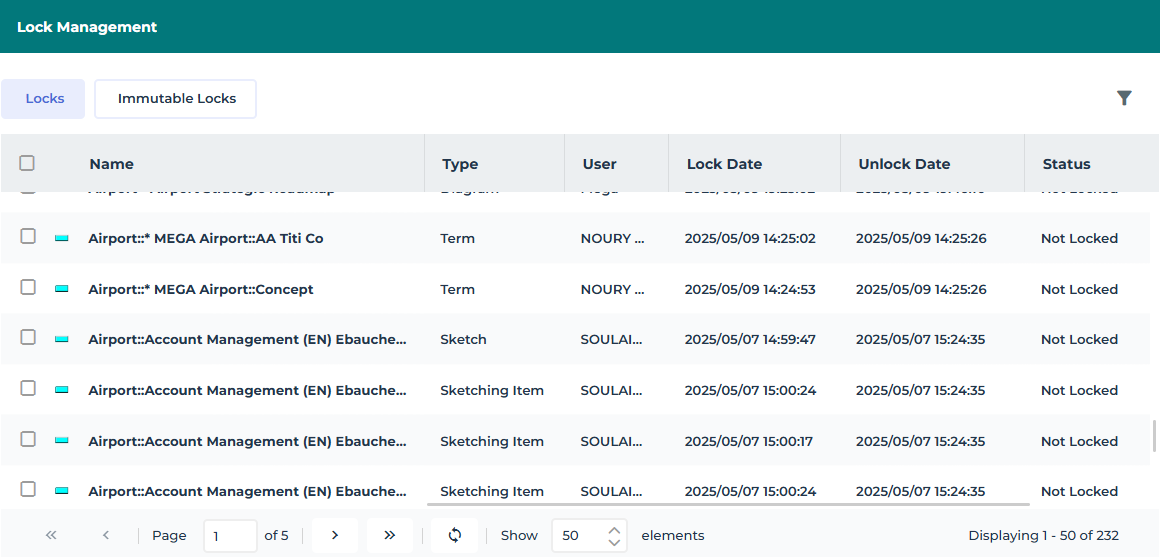
Managing immutable locks on objects
To manage immutable locks:
1. Connect to the Administration desktop.
2. Click the Repository navigation menu and select Locks.
The list of locks is displayed.
3. Click Immutable Locks.
4. (Optional) To sort immutable locks according to column, click the column header.
You can also arrange columns in the order you want. To do this, click the header of the column to be moved and, holding down the mouse button, move it to the required position.5. Select the immutable lock (you can select more than one) and:
• click Unlock  to remove its immutability.
to remove its immutability.• click Unlock and Propagate  to remove its immutability and that of its child locks.
to remove its immutability and that of its child locks.The immutable lock is deleted.
You, and the person who set the lock receive a notification e-mail.