Managing Instant Reports
You can generate instant reports that give access to a more detailed analysis of a list of objects.
Instant reports provide statistical graphic analysis of the data of analyzed objects. They provide an overview on trends, or easy comparison of objects according to certain characteristics.
Introduction to Instant Reports
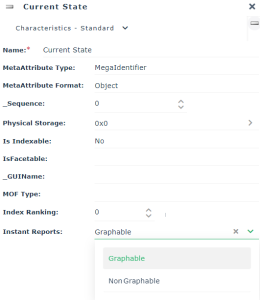
When a list includes characteristics (attributes) enabling automatic report calculation, this functionality is proposed.
You can launch instant reports from:
• a list of objects

• a Report DataSet
You can:
• choose the object characteristics to represent
E.g.: the cost of objects.
• define the type of chart displaying the data
E.g.: quantitative, table, time.
• (table type instant report from a Report DataSet), add filters to each input data item
• customize your instant report
You can save an instant report:
• in your reports
• in your dashboard
The report is recorded as a Widget and available to other users.
Grouping characteristics of concerned objects
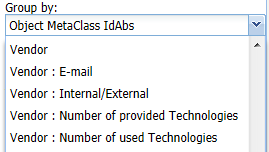
Attributes available in instant reports