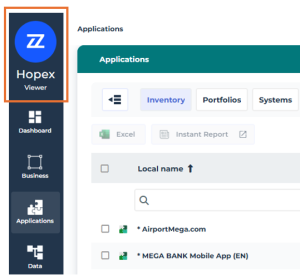
Homepage of the Viewer Desktop
The Viewer homepage provides quick access to the objects in your repository.
Quick Access Area
The Quick Access area consists of three tabs:
• Easy search
• Favorites
• Recently viewed
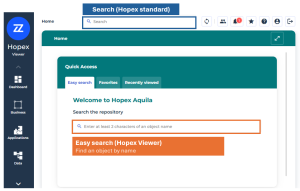
Easy search
Search for the main repository objects by name by entering at least two characters from the object's name.
 The Hopex standard search bar is also available at the top of the page. For more details, see Hopex standard search bar.
Favorites
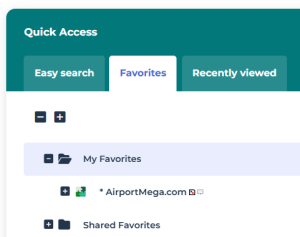
Access your favorites and shared favorites  .
.
To add an object to your Favorites list:
 Hover over an object, for example in an object list, then click
 More > Add to Favorites
 .
Recently viewed
Access recently viewed objects.
Click the tile of the object to access its properties.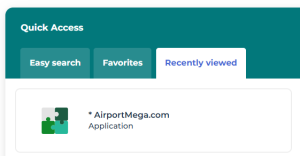
Return to the homepage
To return to the homepage at any time:
Click the enterprise icon (Back to the homepage).