GUI Presentation of HOPEX DoDAF
HOPEX DoDAF Home Page
The Home page of HOPEX DoDAF displays tiles which reference object types of the repository.
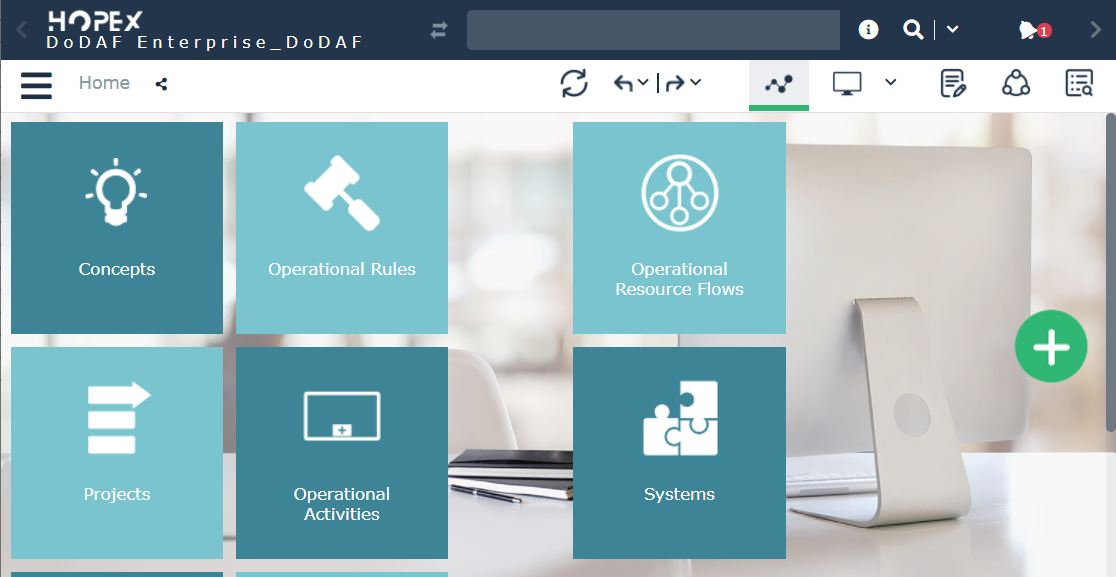
HOPEX DoDAF Home page
 For general use of HOPEX see HOPEX Desktop in the Common Features section of this online documentation.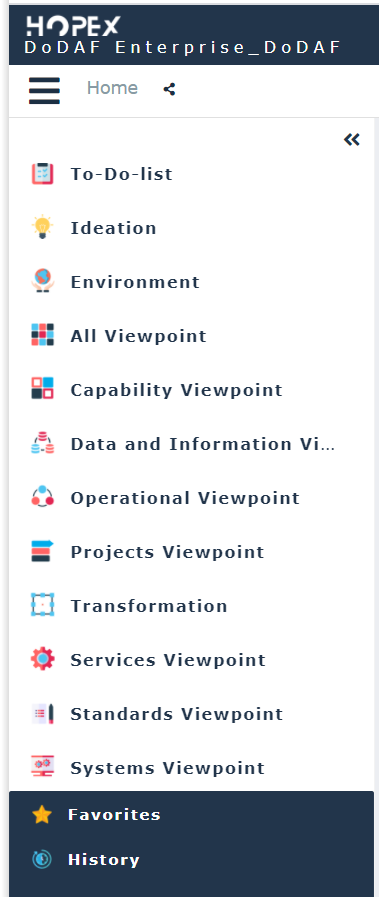
Navigation panes available to the DoDAF functional administrator
HOPEX DoDAF Profiles
DoDAF Functional Administrator
The DoDAF Functional Administrator is in charge of the application administrative tasks. He owns rights on all objects and viewpoints. He prepares the work environment and creates the necessary elements for information management.
He defines for each enterprise the set of viewpoints and models that best fit the specific project or mission objectives. He can also delegate the ability to define work environments to the DoDAF Architect.
Not all DoDAF viewpoints and models are needed for every stakeholder. Data needs to be collected at the appropriate level of detail to support the specific decisions or objectives.For more information, see HOPEX DoDAF Functional Administration
DoDAF Viewer
The DoDAF Viewer has access to all the views he has been assigned to but he cannot make any changes.
DoDAF Architect
The DoDAF Architect needs to define the set of viewpoints and models that best fit the specific project or mission objectives.
The DoDAF Architect workspace
The DoDAF architect workspace displays the navigation panes which correspond to viewpoints assigned by the functional administrator.