Viewing the Login Characteristics
 For detailed information on characteristics of a login, see Login Properties (Person).To configure a login, see Defining the Login of a Person.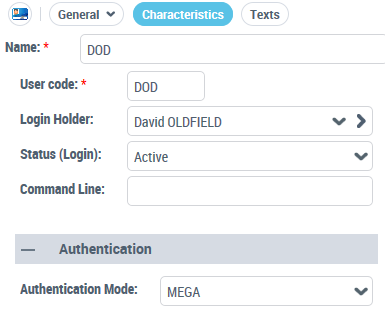
To view the login characteristics:
1. Access the User Management pages.
2. Select the Persons or Person Groups sub-folder.
3. In the Persons list, select the person concerned and click Login Properties  .
.
.