14. Getting GraphQL Schema as a file (SDL schema file)
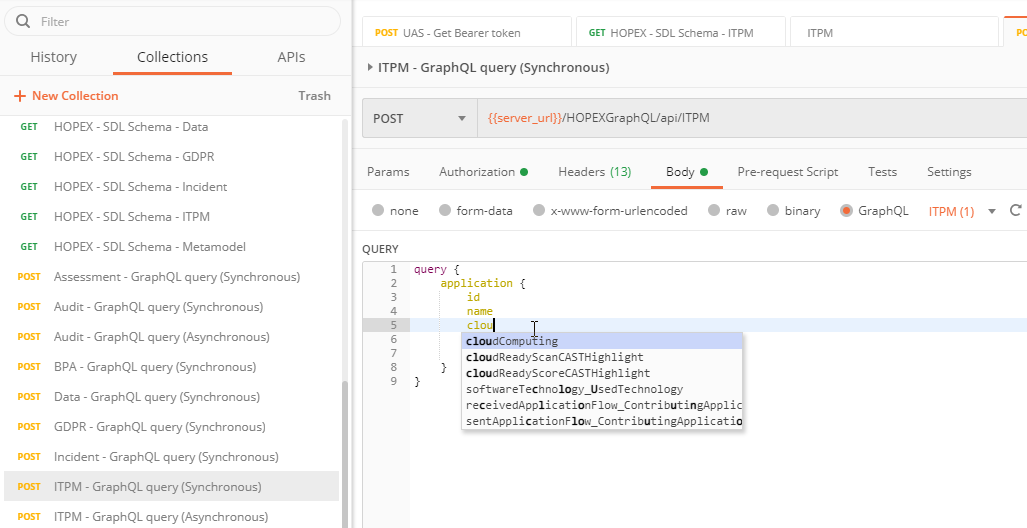
When building graphQL query it can be convenient to use auto-completion to navigate the available information in the schema. Thus, useful to write the graphQL to read/write in the REST API.
For example, for ITPM to know which MetaClass, MetaAttributes or MetaAssociation are available.
See video: https://youtu.be/gSOTxi3Hh2w.
14.1. In GraphiQL
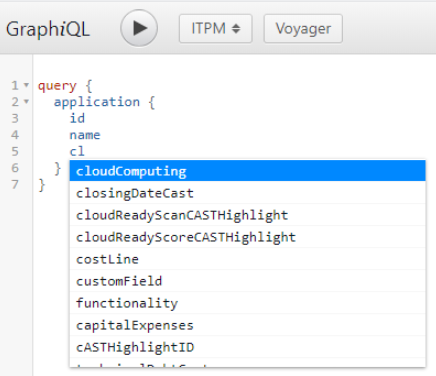
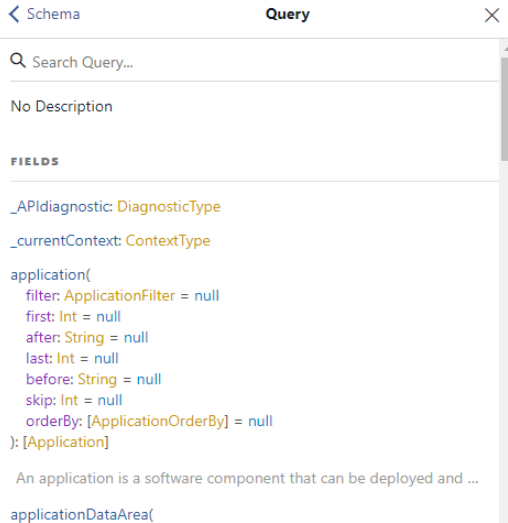
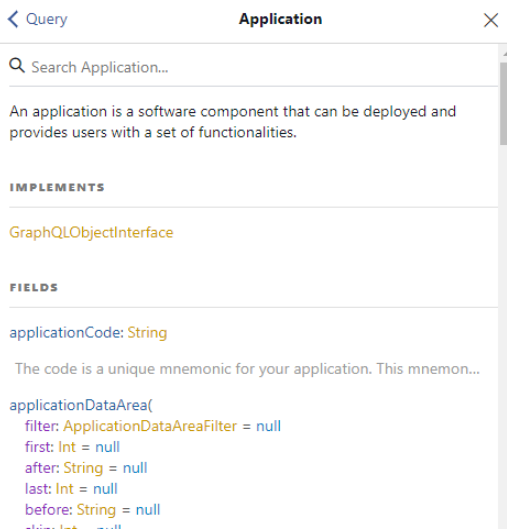
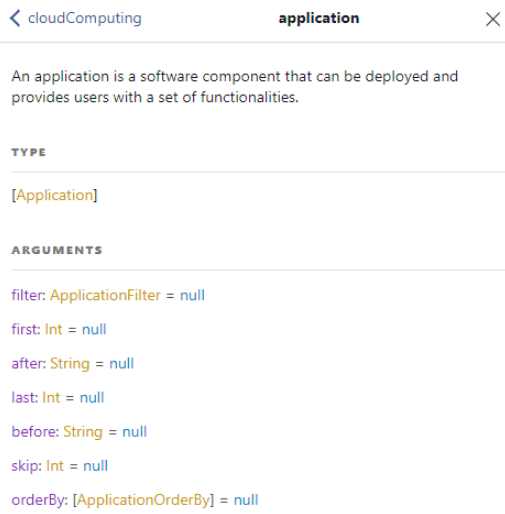
If you use a tool like GraphiQL the auto completion is native and will be displayed while you are writing. You can also navigate the embedded documentation on the schema to get additional information on the fields available.
For example: for an enumeration field you can access the value of the enum.
 |
 |
 |
 |
In this tool use:
• On Mouse over to get high level description of the field
• Ctrl+Space to access the possible option.
• Ctrl+Click on an item to access the documentation tab in graphiQL
While GraphiQL meets this use case it is not often used by developer who will prefer tools like Postman.
14.2. In Postman
The GraphQL query language has its own schema definition based on a format called "SDL". This SDL format file can be downloaded via the API itself. Once retrieved it can be used in tools that can parse this standard.
For instance, Postman is a developer tool that can handle GraphQL and SDL schema. To access the SDL file follow this steps:
• Get a bearer token
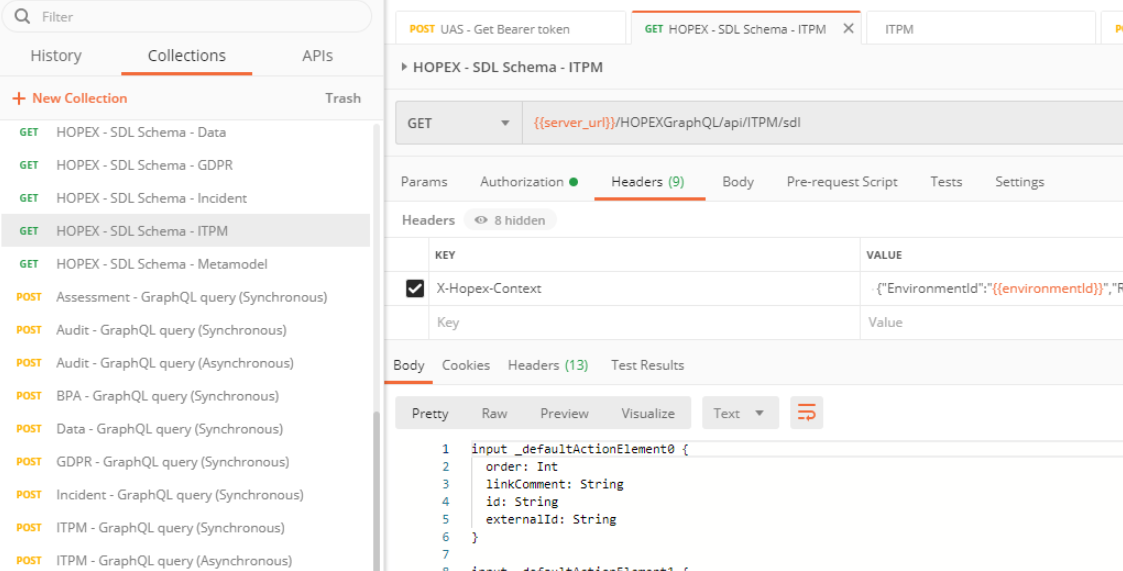
• Call of of the endpoint of the required schema {{server_url}}/HOPEXGraphQL/api/ITPM/sdl. The response will be a filenamed "schema".graphql.
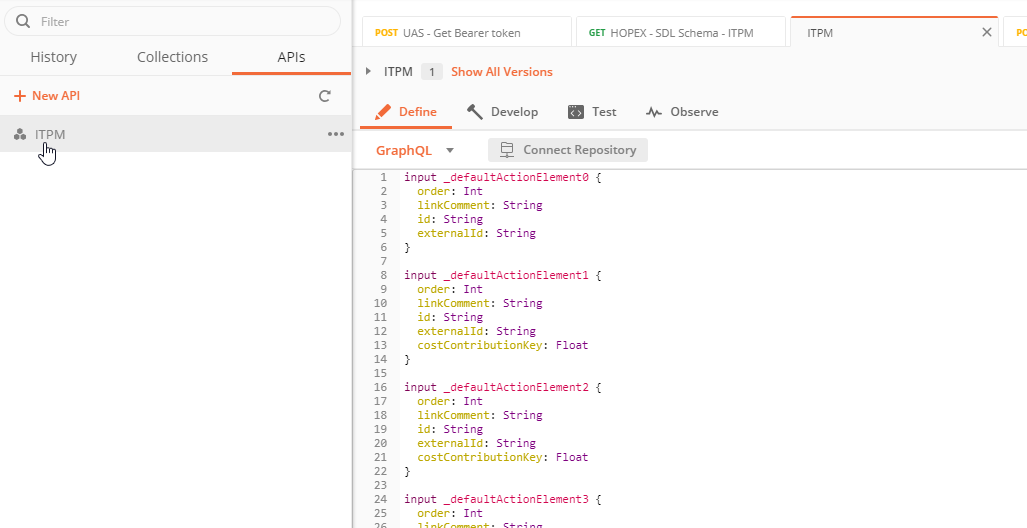
• Import this file in Postman
• In the body parameters select GraphQL and in the dropdown your schema
Sample for graphQL available here: https://community.mega.com/mega/attachments/mega/technical-product/7814/2/SampleSDL.zip.