Previewing the GraphSet
From the GraphSet Definition properties you can test the GraphSet.
To preview the GraphSet:
1. Access the GraphSet Definition properties.
2. Display its Preview page.
3. Click Create Preview.
 Once the preview has been generated once, you do not need to click Create Preview anymore. The GraphSet is automatically generated and displayed.
4. (If needed) In the Parameters section, define the parameters:
• (if query parameters are used) enter the parameter values
• (if object collection-based GraphSet Definition) in the source MetaClass, click Connect  and connect the MetaClass items you want.
and connect the MetaClass items you want.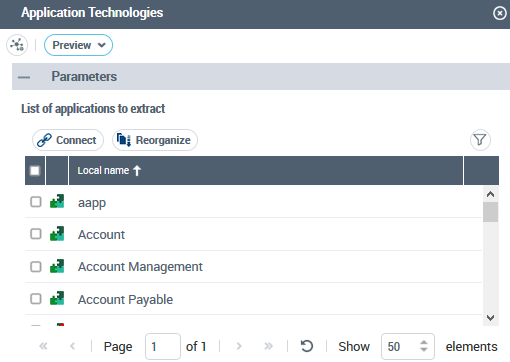
5. In the Parameters section title, click  to reduce the section.
to reduce the section.6. Click Apply Parameters.
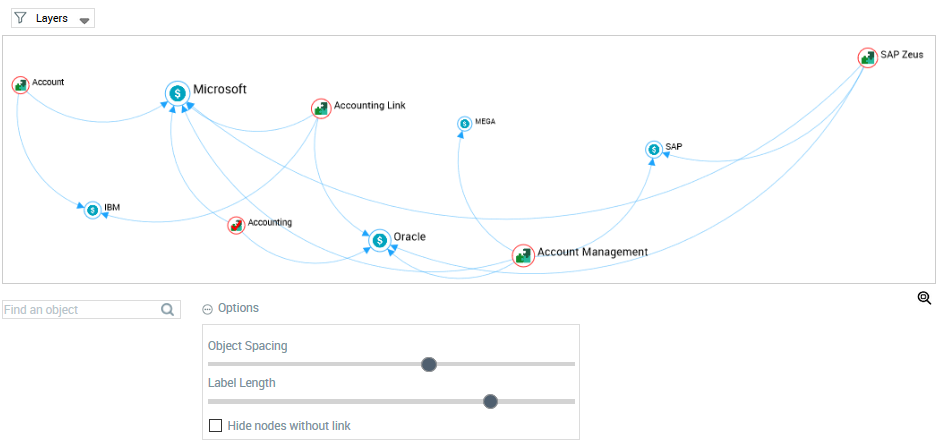
The GraphSet displays the nodes and arcs.
Objects from a Data Reading access not accessible to the user are not displayed.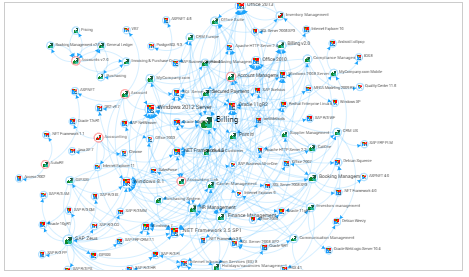
7. You can customize the preview display for a better visibility:
• (GraphSet Definition including several GraphSubSets) Above the graph, click Layers, and clear layers to keep a single layer selected.
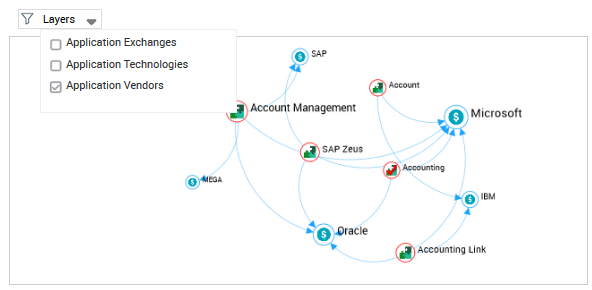
• Double-click a node to display only this node, its arcs and opposite nodes.
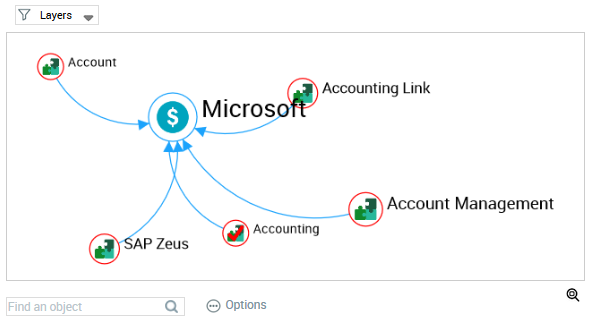
• Bellow the graph, click Options  to:
to:
to:- reduce/increase the space between the nodes
- reduce the label length
- hide nodes without links
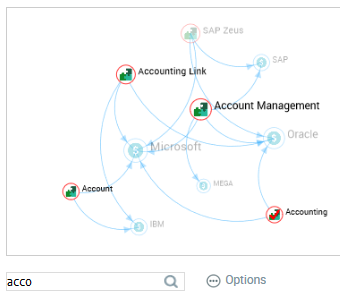
• In the Find an object field, enter characters to greyed all of the other nodes.
For example, enter "acco": "Account", "Account Link" and "Account Management" applications and "Accounting Technology" are highlighted (all of the other nodes are grayed out)
• Use the mouse wheel to zoom in (/out) the graph.