Modifying a Review Note
You can modify a review note whose status is “open”.

You can write a review note:
• from an object property pages
• from the Review Notes page available in the Collaboration menu.
To modify a review note:
1. Access the review notes you are the author of.
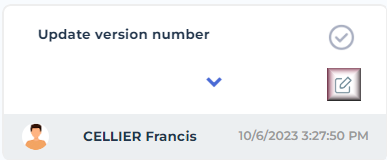
2. Hover the cursor over the review note you want to modify and click Edit  .
.
.
3. In the edition field, modify your note text and click OK.
The review note is modified.
Users who subscribed to alerts on object modifications are notified.