Visio Import Principles
Visio diagrams are drawings on one or several pages that offer a static view of a business process or a technical diagram.
Each type of Visio diagram has associated predefined shapes that you can use to build your diagram. Importing a Visio drawing consists of matching its shapes with HOPEX objects. The objects created can be MetaClasses, links or paths.
Compatibility
The Visio import tool is compatible:
• with versions 2010 and 2015 of Visio
• with .VSD and .VSDX Format.
Importing a Visio file does not require installation of Visio on your machine.
Application Scope
The Visio import tool reproduces diagrams describing the processes of an organization in HOPEX. It is therefore optimized for the HOPEX Business Process Analysis product.
The Visio import tool is a generic import assistant; it is not suitable for the restitution of interactive creations made by the users. For example, initialization macros for diagrams are not executed. A data check and an update of the diagram drawings may be necessary.
In diagrams linked to HOPEX IT Architecture, a number of Visio shapes such as servers, firewalls and printers are represented by nodes in HOPEX. Their type must be redefined once they are imported in HOPEX.
In the case of a database model, HOPEX retrieves the names of entities, their attributes and primary keys, but characteristics such as cardinality, datatypes and foreign keys cannot be imported.
Visio import is not suitable for UML modeling.
Visio Concepts
The main Visio concepts are:
• Page: A page contains the description of a diagram. A Visio file can contain one or more description pages.
• Template: This is the default model provided when you initialize a diagram. Templates guide users in describing a diagram by identifying the purpose of the diagram and displaying the stencils necessary for creating diagrams.
• Stencil: These zones contain the shapes available to create a diagram. A stencil is made up of masters.
• Master: This is a shape representing a concept that can be created in a diagram. In HOPEX, a master gives rise to a MetaClass.
• Shape: A shape represents the use of a master class in a page. In HOPEX, this corresponds to the instance of a MetaClass.
• Connector: This represents a link in a diagram used to connect two shapes graphically.
• Property: A property attached to a shape in a diagram is used to provide additional information to a diagram description. Properties entered by the user in Visio are imported as comments in HOPEX.
Mapping Visio and HOPEX concepts
Importing Visio diagrams consists of mapping Visio diagrams, shapes, connectors and properties with HOPEX objects (Metaclasses, links, paths, etc.), and creating the diagrams in the HOPEX repository.
When a Visio diagram is imported, a mapping is established between the Visio concepts and HOPEX objects. This mapping can be saved as Configuration files for subsequent use.
Visio Template pre-requisite for BPMN diagrams
To import a Visio BPMN diagram in HOPEX, the Visio template "BPMN Diagram" must be used especially to establish links between lanes and operations in HOPEX.
To create a Visio Drawing from "BPMN Diagram" template:
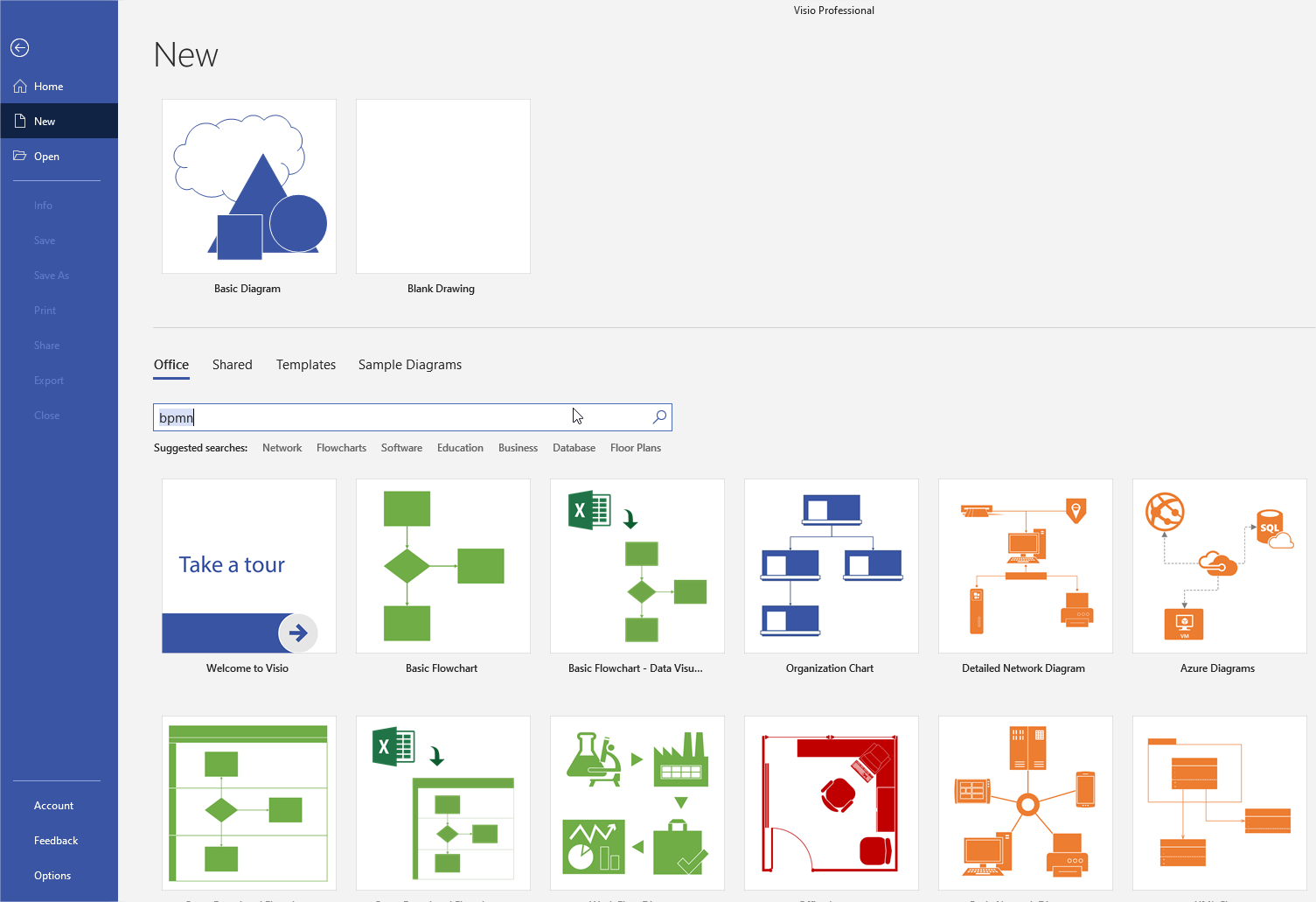
1. In the New window, select the Office tab and enter "BPMN".
.
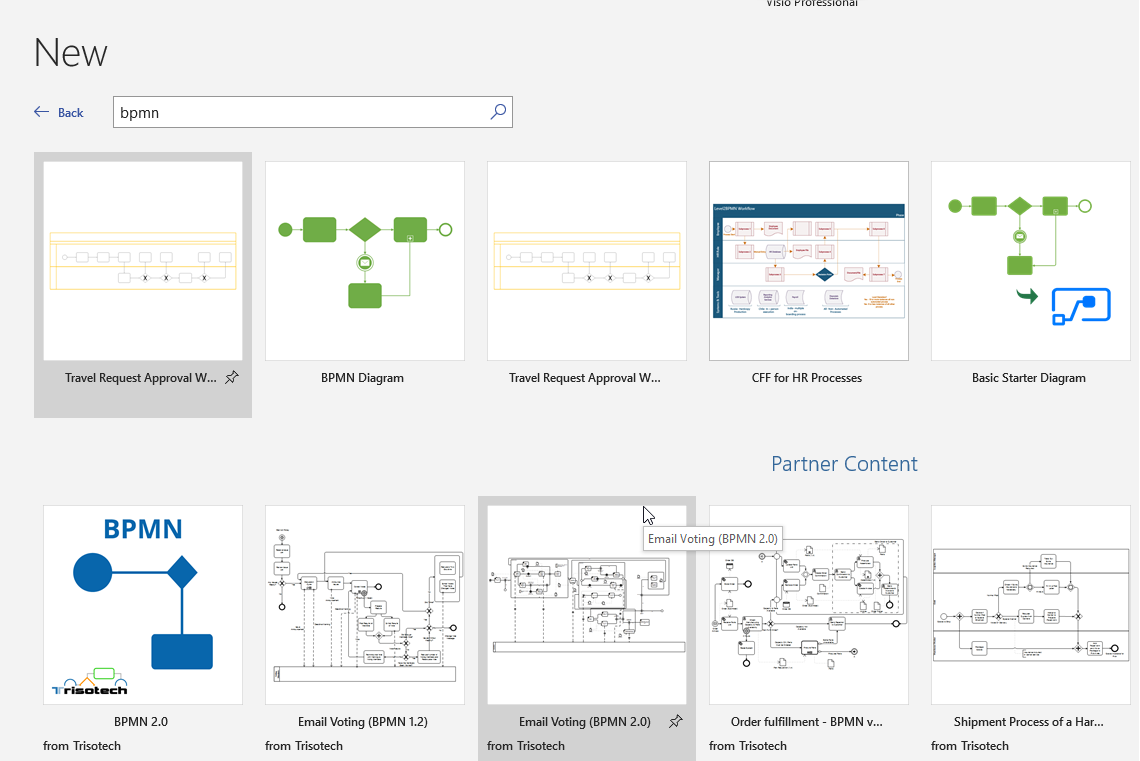
2. In the list of proposed templates, select BPMN Diagram" template.
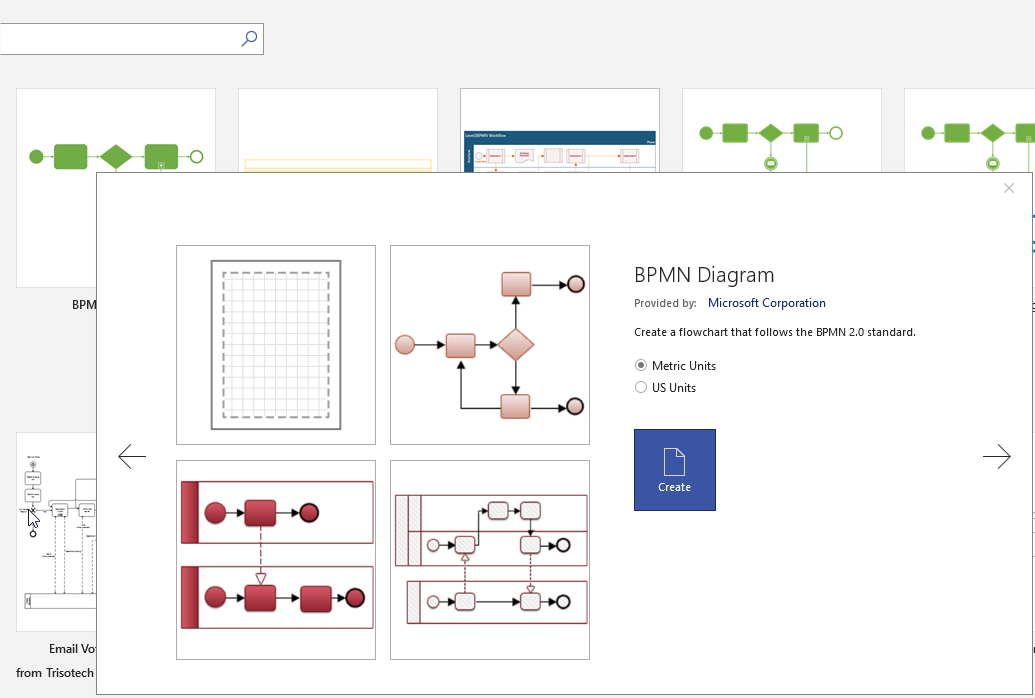
3. Select the Units and click Create.
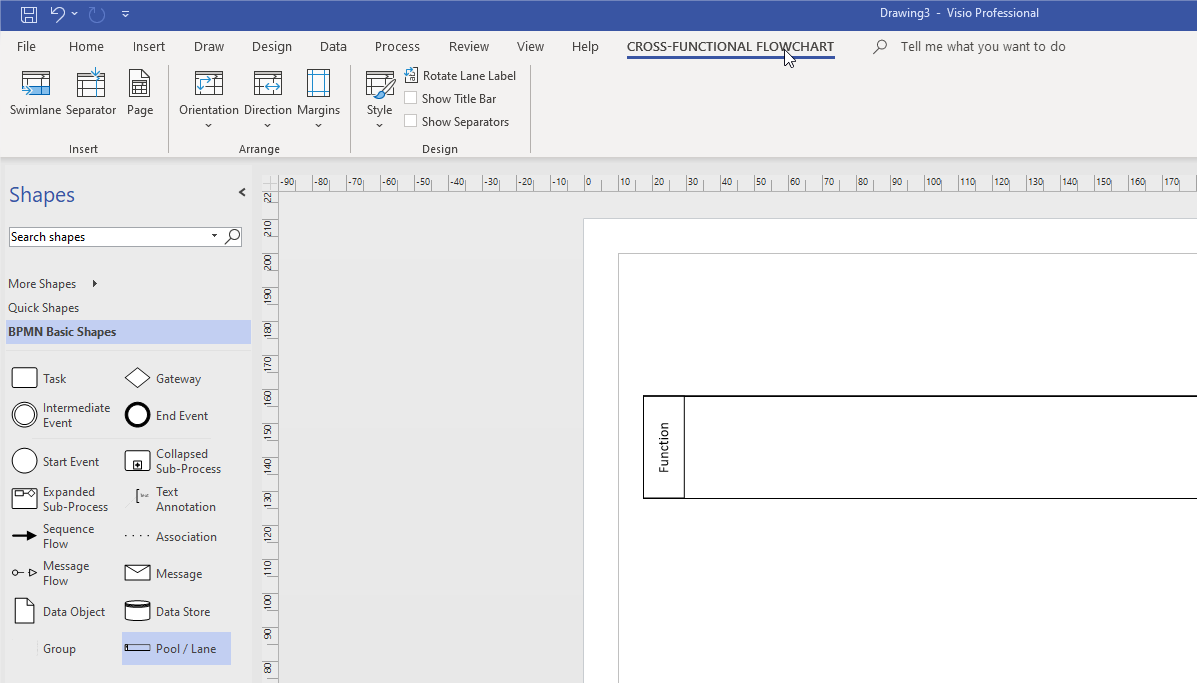
In the new Visio Drawing, if the Pool/Lane button is selected, the CROSS-FUNCTIONAL FLOWCHART menu must be proposed.