Using the Process Mining with HOPEX Process Simulation
HOPEX Process Simulation allows you to analyze information from a Process Mining tool.
Three types of information are taken into account by HOPEX Process Simulation. This consists of:
1. The BPMN representation of the executed process;
 For more details on how to import a BPMN file, see the chapter "Importing BPMN files" in the HOPEX Common Features guide.You can compare the imported process diagram with a similar process diagram. For further details, see Process Diagrams Conformance.
2. CSV files containing treatment requests dates.
For more details on use of a file to specify the input flows, see Input flow CSV file.3. Data in XML format from the analysis of process execution data.
For more details on how to import an Excel file, see Importing a Process Mining XML file.When the data has been imported, HOPEX Process Simulation provides facilities for analysis of this information.
For more details on how to use this data, see Analyzing data from Process Mining.Importing a Process Mining XML file
To import a Process Mining XML file, you must have already imported the BPMN representation of the concerned process.
To import a Process Mining XML file:
1. Open the Simulation > Process Mining property page of the process that interests you.
2. Click Import.
An import window opens.
3. Browse and select the relevant simulation data XML file.
4. Activate the option Initialize process steps parameters if you want to use the execution times measured during the Process Mining (and contained in the XML file) as simulation parameters.
Hence, the average performing time, the standard deviation and the distribution law are automatically filled in the "Simulation Data" property page of each Operation.
Existing data in the "Simulation Data" property page is erased. 5. Click OK.
The imported file is added to the list.
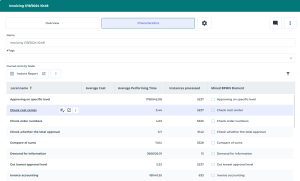
6. Click the map associated to the XML file to access to the list of tasks with their indicators.
Analyzing data from Process Mining
You can use the imported data in a Process Mining map.
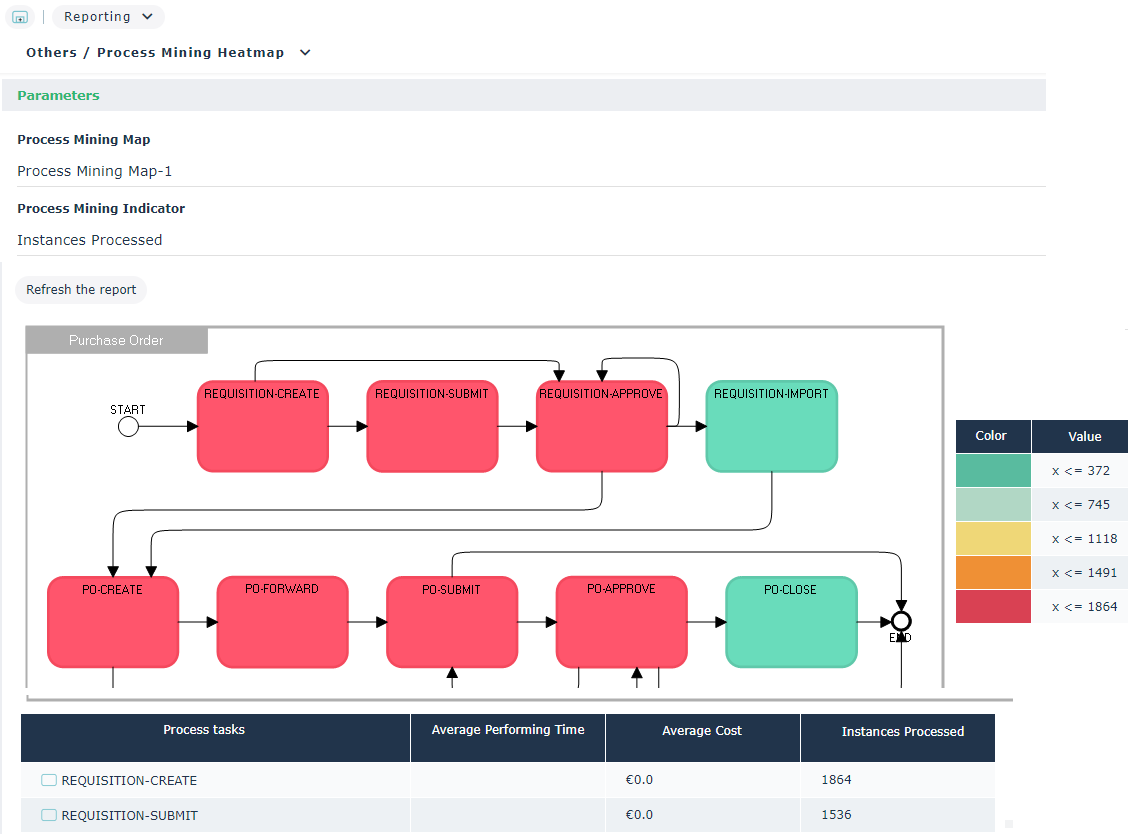
To access the process simulation scenario comparison report:
1. Open the Reporting property page of the process that interests you.
2. Select Others > Process Mining Heatmap.
3. In the Parameters section, select the Process Mining Map concerned.
4. Then select the Process Mining Indicator and click Refresh the report.
Indicators proposed are:
• the average cost,
• the average performing time,
• Instances processed.
The Process Mining Heatmap report is generated.