Creating a Process
To create a Process from the navigation bar:
1. Select the Processes navigation menu > List tab.
The list of processes appears.
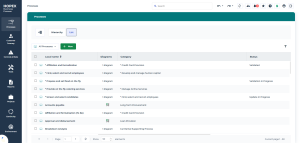
2. Click the New button.
The new process appears in the list of processes.
 You can easily rename it by clicking the related cell.
 3. Click the newly created process to define its properties and create a diagram.
