Accessing the Module
To access the module:
1. Open the HAS main page.
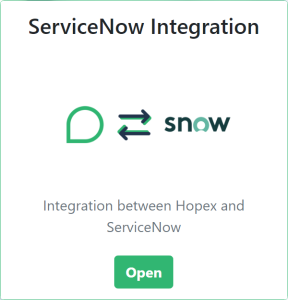
2. Open ServiceNow Integration module.
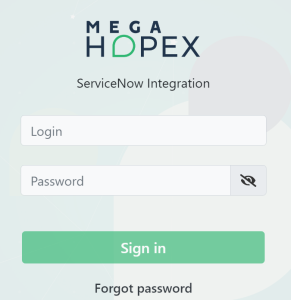
3. Enter a login and a password.
4. Click Sign in.
5. Select Repository and Profile if applicable.
6. Click Enter.