Managing Questionnaire Templates
Accessing Questionnaire Templates
To access questionnaire templates:
1. From the navigation menu of the IRM solutions desktop, select Assessment > Preparation > Assessment Templates.
2. Expand the assessment template of interest then Definition > Questionnaire Template.
Accessing a Questionnaire Template Properties
To view questionnaire template properties:
2. Hover over the questionnaire template and click the Properties icon that appears.
In the questionnaire template properties you can:
• specify whether the questionnaire can be delegated or not
• choose to display the assessed object diagram
• specify the rendering (standard or tabular)
• define scoring rules (mechanism by which answers are used to automatically populate the assessed object characteristics)
Opening a Questionnaire Template
You must first open the questionnaire to configure its content.
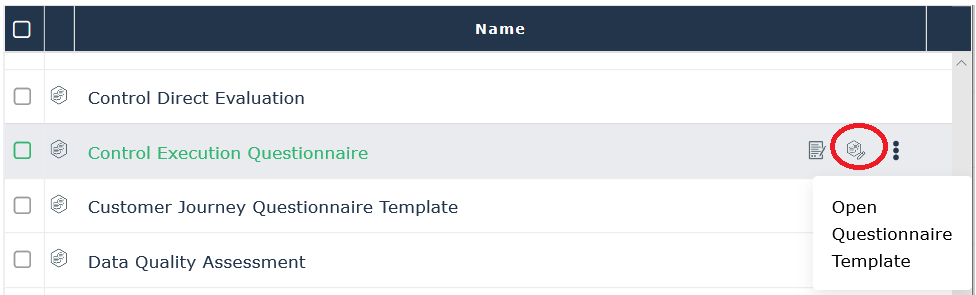
To open a questionnaire template:
2. Hover over the questionnaire template and click the Open Questionnaire Template icon that appears.