Assessing the Progress State of a Project
Updating the project progress
To update the progression of a project in progress:
1. Click the navigation menu, then the Transformation pane.
2. In the navigation pane, click Projects.
3. In the edit window, click Projects and display all the projects.
4. Select the project concerned and in the Action column, click Properties 
5. In the project properties window, click the drop-down list and select Execution Monitoring.
6. In the History of Project Progression Updates section, click New.
The progress rate creation window appears.
7. In the Progress Rate section, specify:
• the progress rate percentage
• the progress rate date
• the assessment of the progress rate (On time or Late)
• the forecast end date
• the amount spent
• the remaining forecast amount
8. Click OK.
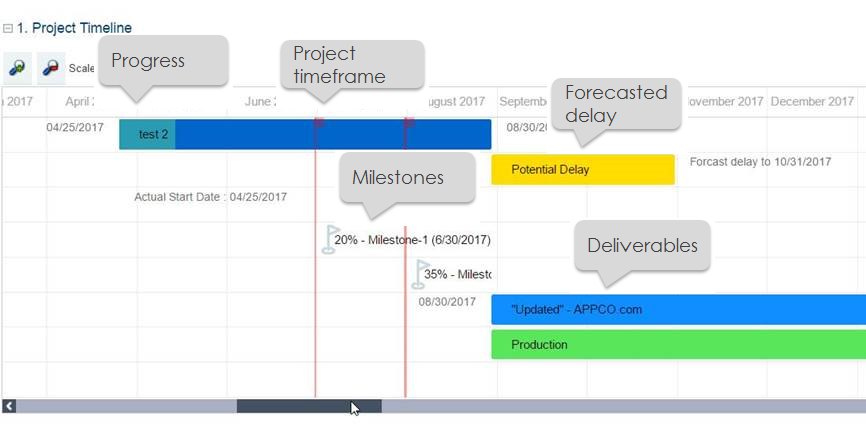
Viewing the timeline of a project
A report enables you to view the timeline of the project.
To access the Reports tab:
1. In the project properties, select the Reports page.
2. Select the "Lifecycle Gantt Chart for Project Deliverables" report.
The project calendar appears.