Importing New Technologies from IT-Pedia
See: Prerequisite Conditions.
Data import is carried out by the functional administrator.
To import data with the IT-Pedia connector:
1. Connect to ITPM as a Functional Administrator.
2. Click the navigation menu then Asset Catalogs > IT-Pedia.
3. In the edit area, click the IT-Pedia V2 tile.
If technologies have already been imported, they are displayed.
4. Click the Import button.
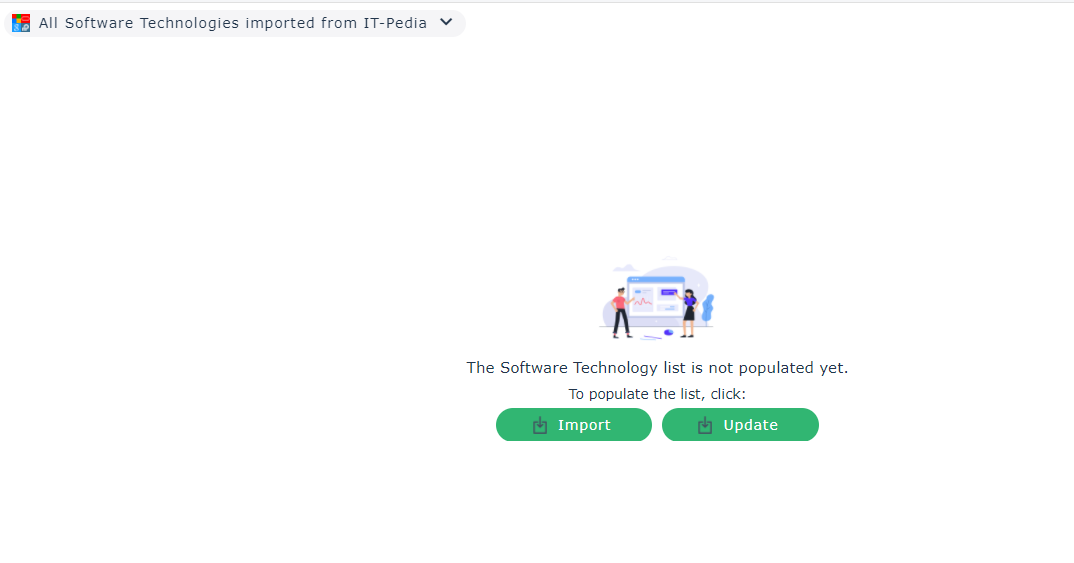
The import wizard appears.
5. Select:
• A vendor
• A product
• The version
• The platform (Mac or Windows)
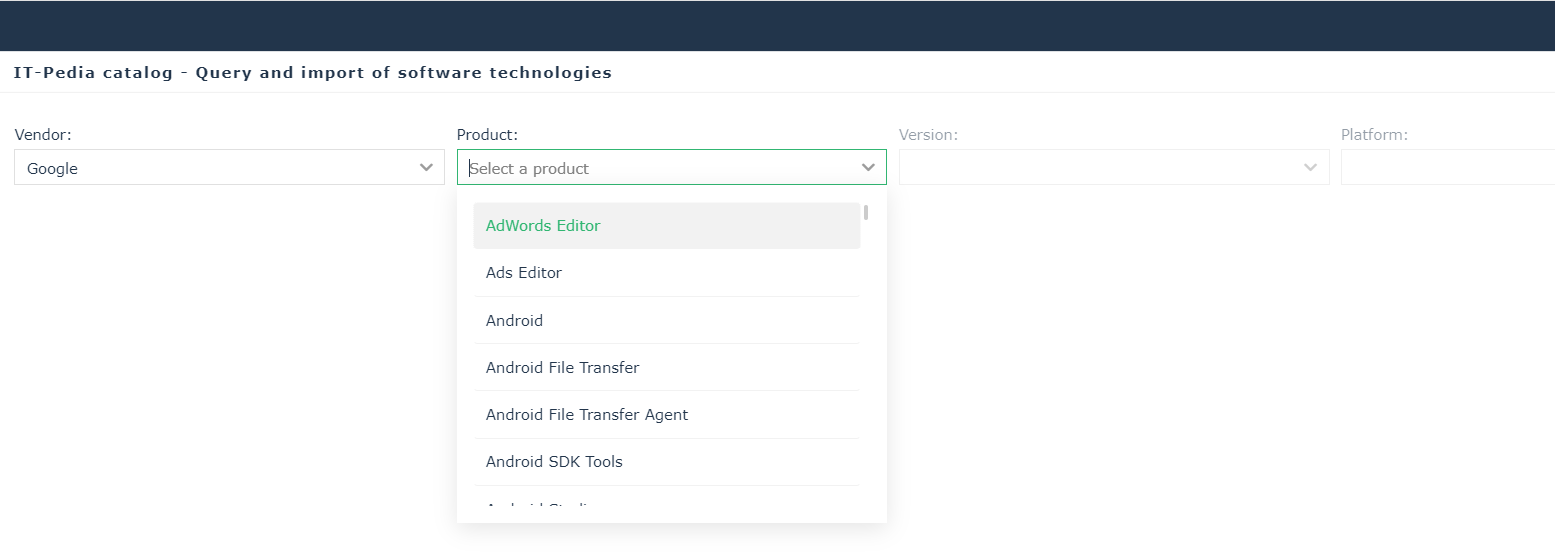
6. Check the product of the selection that appears.
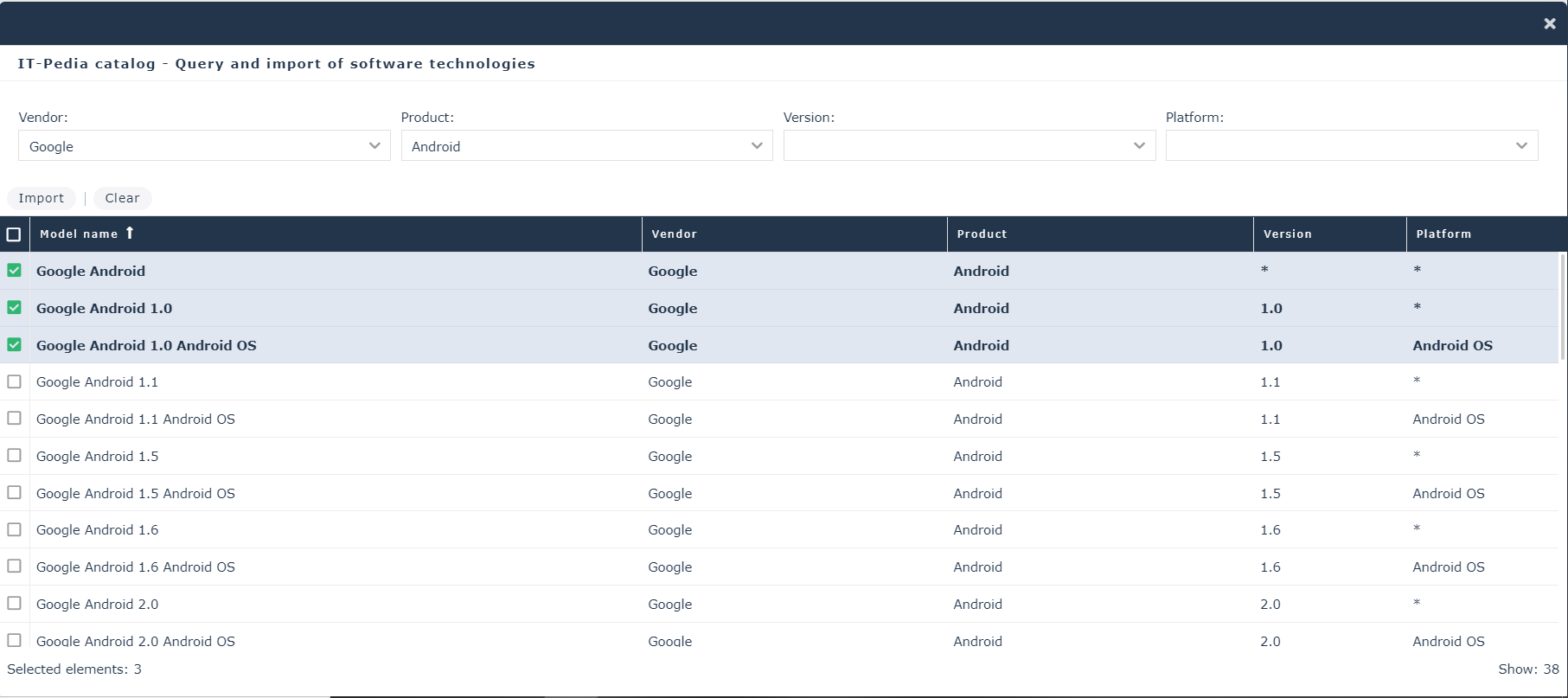
7. Click Import.
8. Select the import option:
• Now
• As soon as possible: execute the import after saving updates
• Scheduled: execute the import at the date and time specified
9. Click OK.
A message indicates the progress then the success of the import.
Filtering the display of technologies
You have the possibility to filter the display of technologies according to:
• Software technologies found in IT-Pedia My Products
• Software technologies not found in IT-Pedia My Products
• All Software technologies imported from IT-Pedia
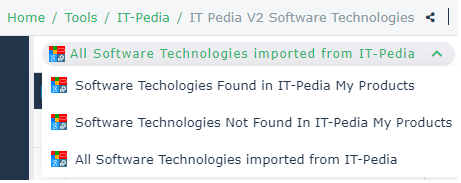
When you import technologies from IT-Pedia V2, these technologies are automatically added to the "My Products" list of the IT-Pedia catalog. When updating a technology in HOPEX, if the technology no longer exists in IT-Pedia, it is displayed in the list "Software technologies not found in IT-Pedia My Products".
See also: