Viewing Regulatory Frameworks
Regulatory frameworks correspond to UCF imported Authority Documents.
A regulatory framework falls under any of following categories:
• regulations (rules of law that, if not followed, can result in penalties)
• guidelines
• standards
• best practices
Accessing regulatory frameworks
A regulatory framework tree displays branches of relevant regulation content.
To access the regulation framework tree:
1. In the navigation menu, select Libraries > Control Framework > By Regulatory Framework.
2. (optional) Select one regulatory framework from the Filter by drop-down list to focus on one regulatory framework only.
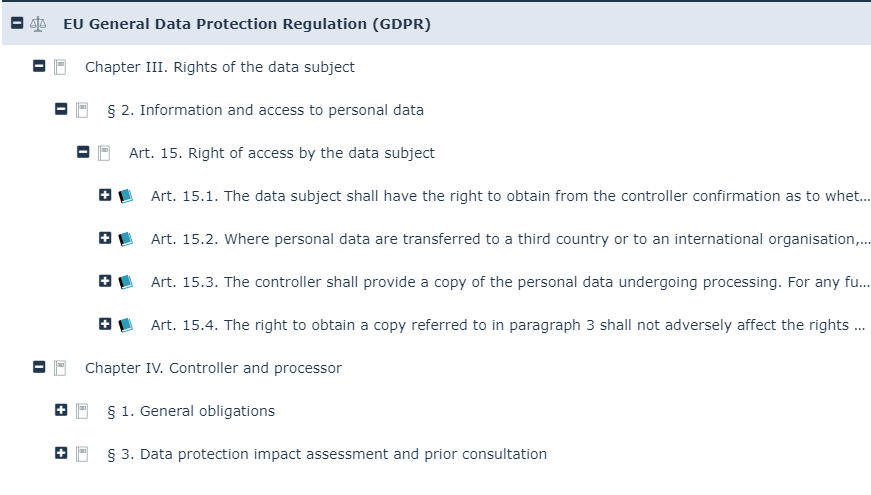
 The regulation content displayed corresponds to the content declared as relevant in the Environment > Regulations > Control Framework.
The tree starts from the regulatory frameworks and displays:
• the control directives enforcing the regulatory articles
For more details on control directives, see Viewing Control Directives.• The HOPEX implementing controls if any
Regulatory framework overview & description
The Overview section of the regulatory framework characteristics enables you to display general characteristics originating from the Common Controls Hub.
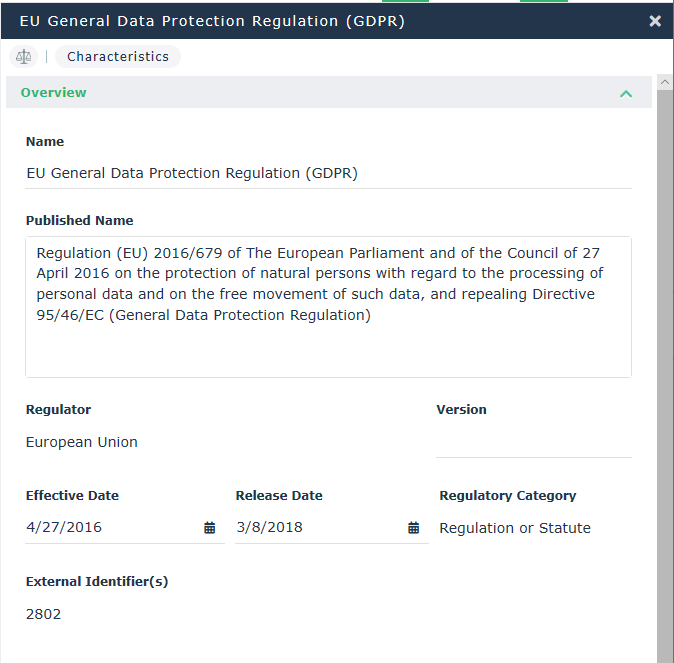 These characteristics cannot be modified.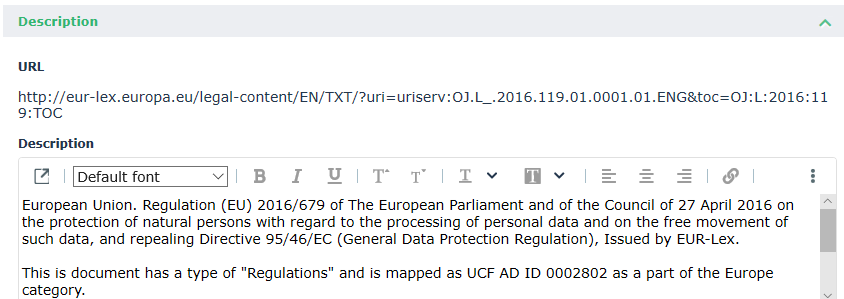
Regulation articles of a regulatory framework
To access the relevant regulation articles of a regulatory framework:
1. In the navigation menu, select Libraries > Control Framework > By Regulatory Framework.
2. Select the appropriate regulation framework and open its properties.
3. Expand the Relevant Regulation Articles section.
From here you can access relevant regulations articles:
• through a list of Relevant Regulation Articles
• through a Hierarchy of Sections