Advanced Search Tool Introduction
Advanced search tool description
 To carry out searches in the form of queries, you must know the names of the object types handled, and be familiar with query syntax, see Query Syntax.
Advanced searches are carried out by means of queries. You can configure advanced searches through:
• a wizard
• a registered query
• a query in ERQL language
Query type
Queries are sorted by type:
• internal query: includes “technical” queries used in standard supplies (e.g.: descriptors, report templates (MS Word), matrices, etc.), “Name” and "*".
• usual query: includes queries defined by users (by default), as well as the "*" and “Name” queries.
Accessing advanced search
To access the advanced search:
1. On your HOPEX desktop, select Main Menu > Advanced Search.
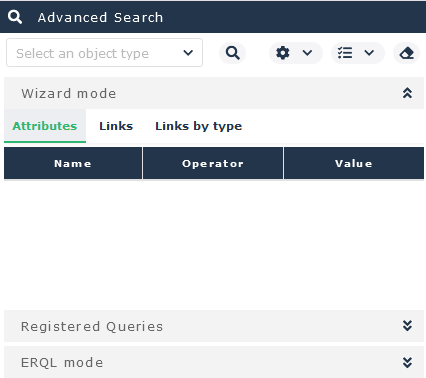
See Interface Elements.The Advanced Search window is displayed in the edit page.
By default, on first opening the window, the advanced search appears in Wizard Mode.
2. Run your search.