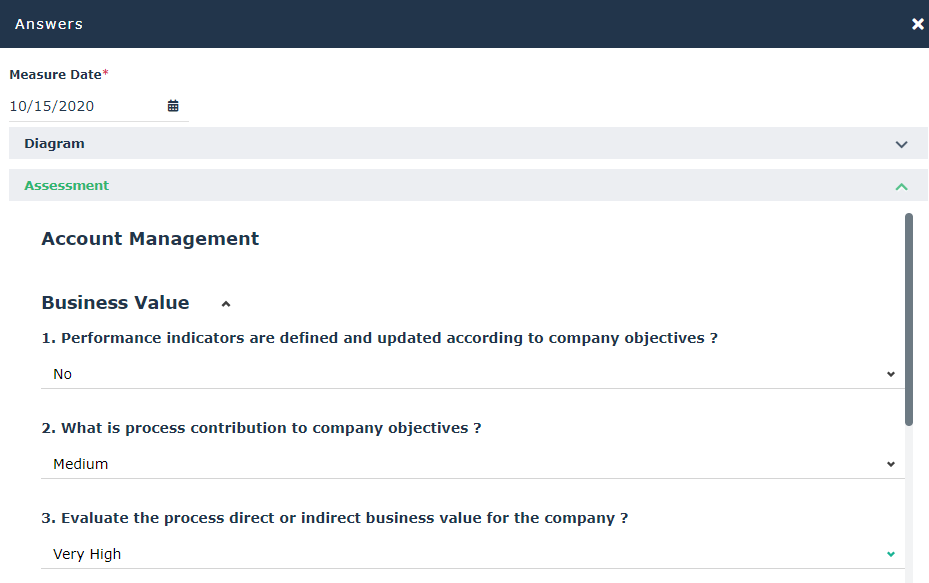
Direct Assessment
You can create new assessments to globally assess an organizational process on all the organizational contexts to which it is connected (i.e. entities).
This is an "expert view" assessment.
Creating direct assessments (Execution)
To create a direct execution campaign:
1. Open the Assessment > Specific Questions (Execution) property page of the process that interests you.
2. Click the Evaluate button.
The assessment questionnaire page appears.
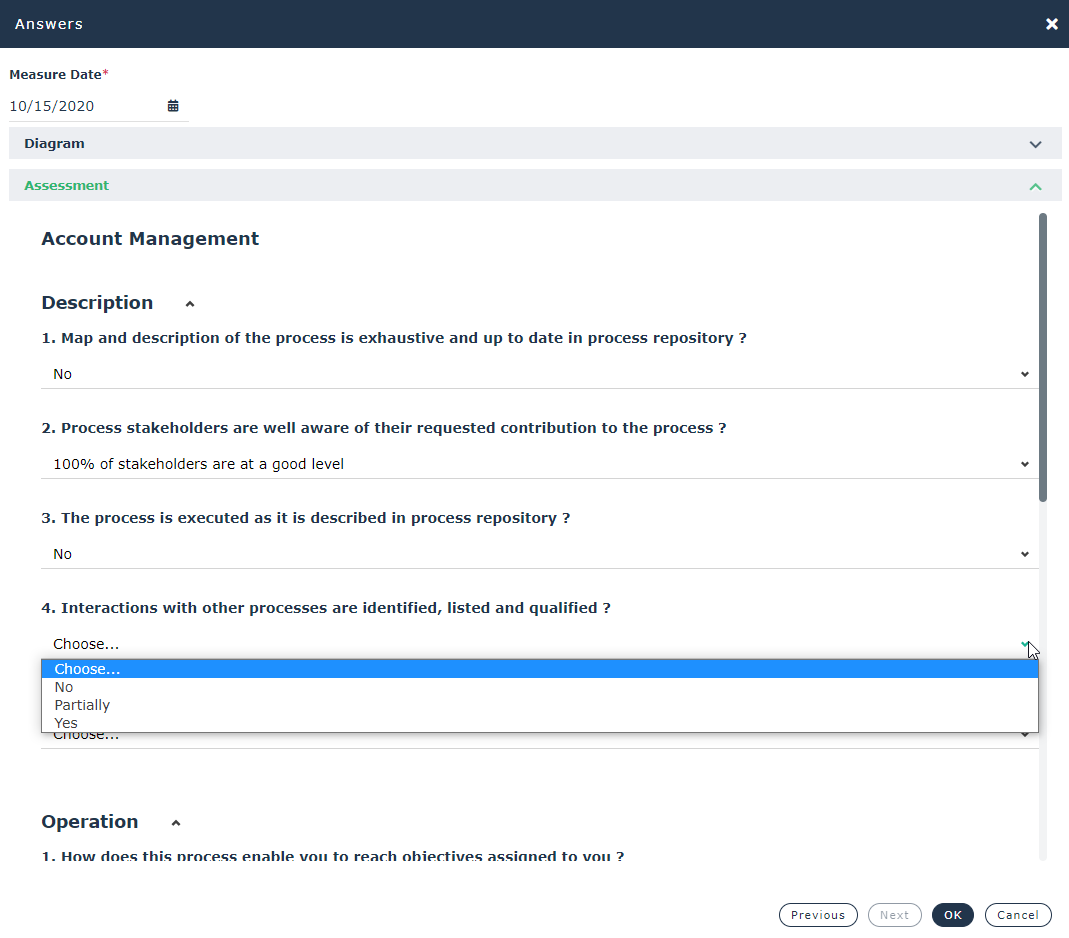
3. Select the contexts in which the process is to be assessed, then click Next.
 The contexts are available only if there is more than one.
4. Specify the values for the questionnaire characteristics:
5. (Optional) Add Attachments.
6. Check the Assessment Date.
7. Click OK.
An assessment is created.
Creating direct assessments (Performance)
You create an assessment of the performance of your process in the same way as for an execution assessment (see Creating direct assessments (Execution)).
The standard questionnaire for the performance appears.