Describing value streams
 A value stream is an end-to-end collection of Value Stages that creates an outcome for a customer, who may be the ultimate customer or an internal end-user of the value stream.
 For more details on the use of value streams, see the HOPEX Business Process Analysis guide, chapter Value streams.
Accessing the list of value streams
To access the list of value streams from the Business Architecture navigation pane:
 Click Inventories > Value Streams in the navigation menu.
The list of value streams appears in the edit area.
Creating a value stream diagram
To create a value stream diagram
Right-click the value chains that interest you and click New > Value Stream Diagram.The diagram opens in the edit area. The frame of the value stream described appears in the diagram.
You can construct this diagram in tabular input mode.
Tabular input is available with the HOPEX Web Front-End module. For more details on the use of tabular input, see "Building a diagram in tabular entry", page 211.The following diagram presents an example of a value stream:
"Purchase reception" value stream
The purchase request is recorded and must then be approved. The requester is informed of the approval or rejection of the request. If the request is validated, an analysis of the required order is carried out.
If stock is lower than a given threshold, an order is prepared and sent to the supplier for resupply.
If the product is available, or as soon as it is received from the supplier, it is made available to the requester.
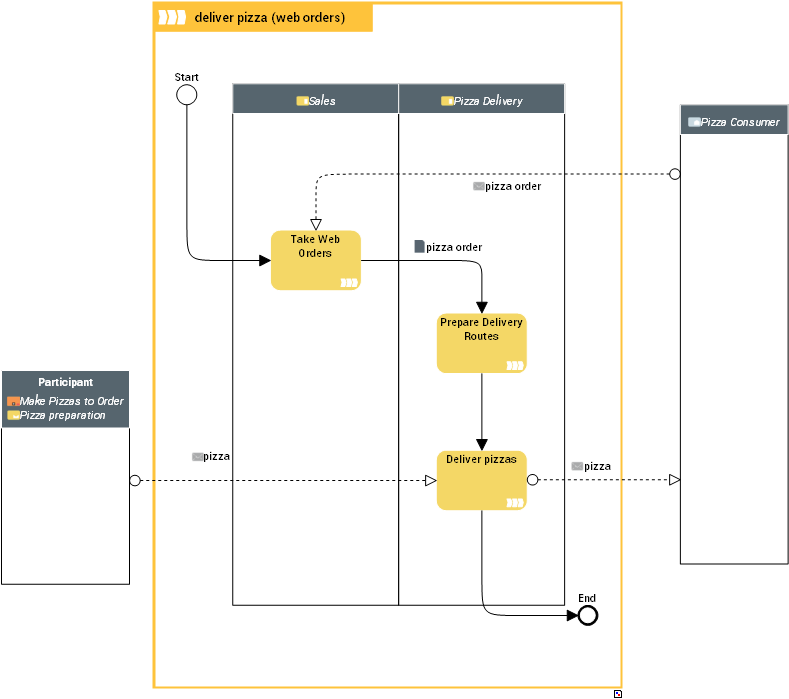
In this diagram, the businesses or the business functional areas that create the value streams are linked to the participants represented in columns.