Interface Presentation
The menus and commands available in HOPEX Risk Mapper depend on the profile with which you are connected, see HOPEX Risk Mapper Profiles.
 For more information about how to use the general user interface, see HOPEX Desktop.
Presenting the Risk Designer interface
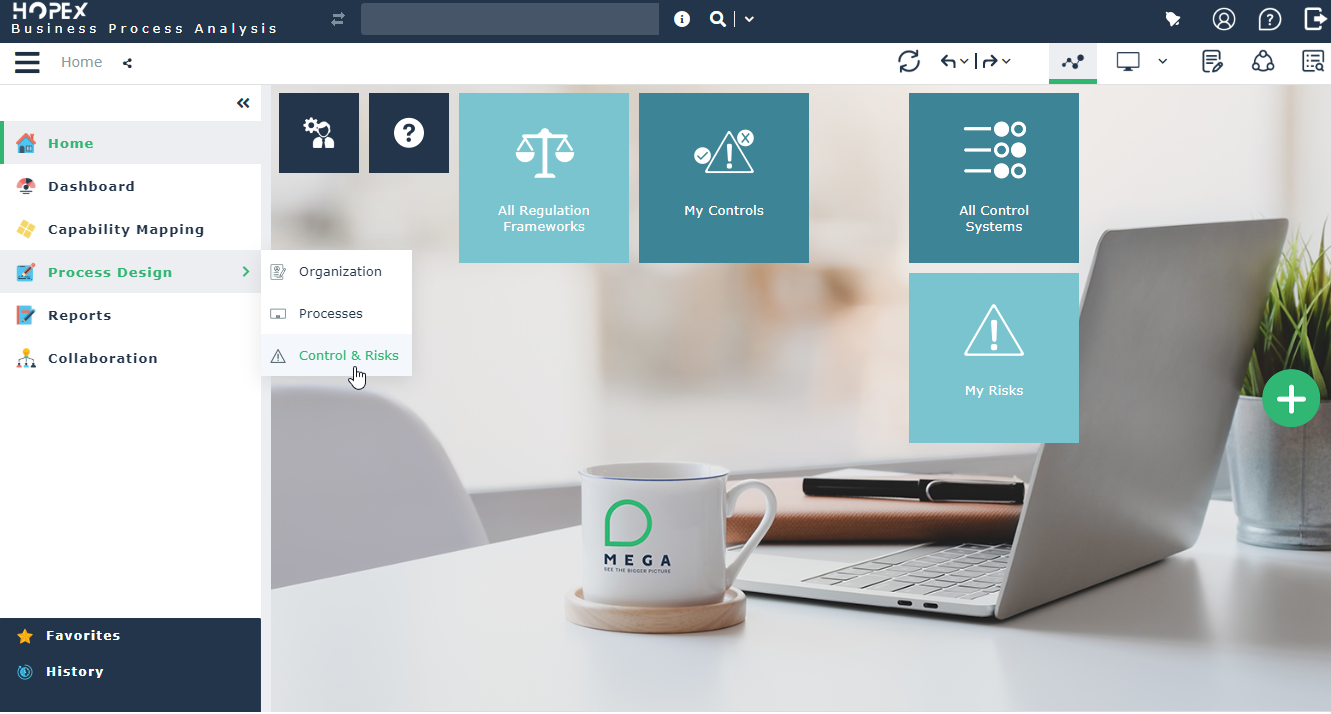
The Risk Designer desktop offers the following panes:
• Home: enables easy access to the different folders and objects for which the user is responsible using the following tiles:
• All Control System,
• All regulation frameworks,
• My risks,
• My controls,
• Dashboards: enables to manage and display the list of tasks assigned to the current user.
• Process Design: enables access to the list of risks and controls.
• Reports: gives access to reports enabling analysis and follow-up of implementation of controls and risks.
For more details on the risks reports, see Risk Management.• Collaboration, which enables access to all collaborative tools provided by HOPEX.
For more details on the use of collaborative tools, see "Accessing collaboration in HOPEX", page 478.The Process Design pane provides access to the following menus.
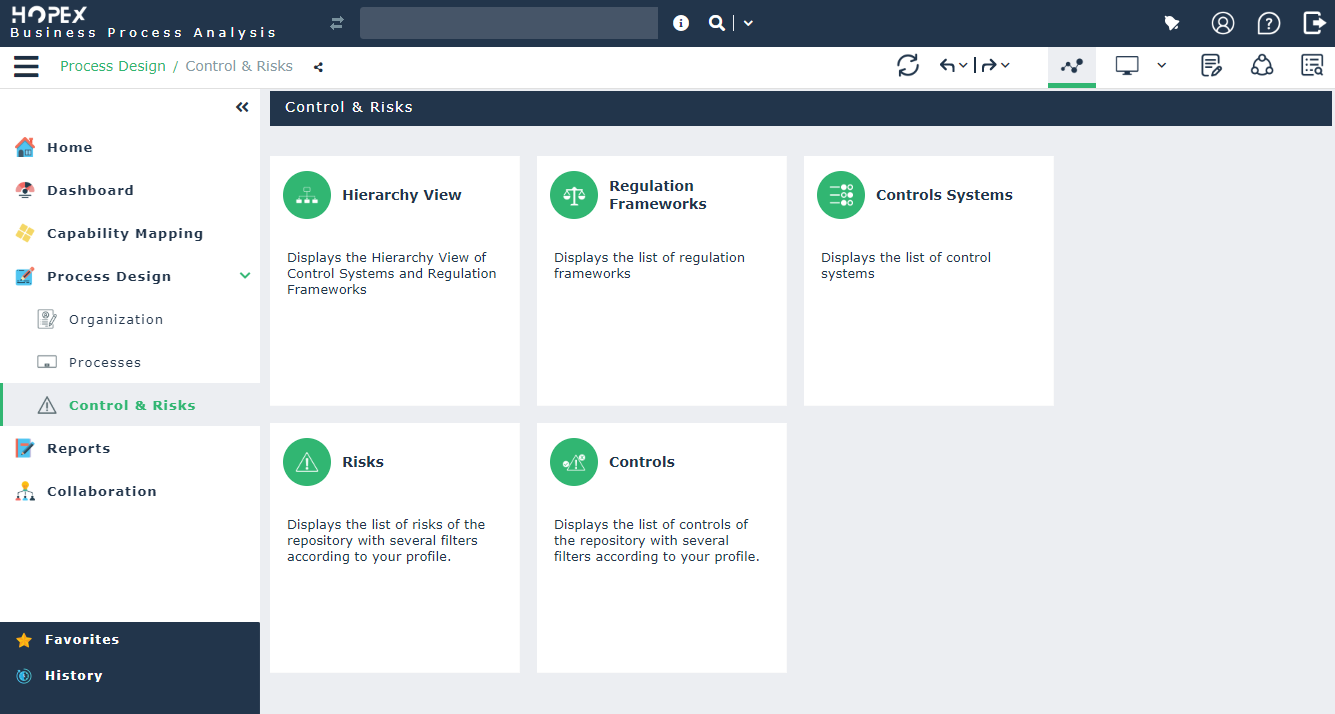
• Organization, for describing the org-units of the organization.
For more details, see "Organization of internal org-units", page 14.• Process, for describing the business and organizational processes of the organization.
For more details, see "Organization Processes", page 16.• Controls & Risks, for accessing the risk management features offered with the HOPEX Risk Mapper product.