Questionnaire Builder Installation
To install Questionnaire Builder:
1. Launch the “Administration.exe” application.
2. Open your environment.
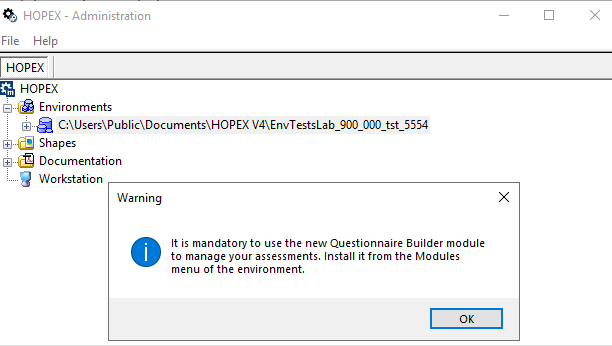
A message indicates you have to install the Questionnaire Builder module to manage your assessments.
A message indicates you have to install the Questionnaire Builder module to manage your assessments.
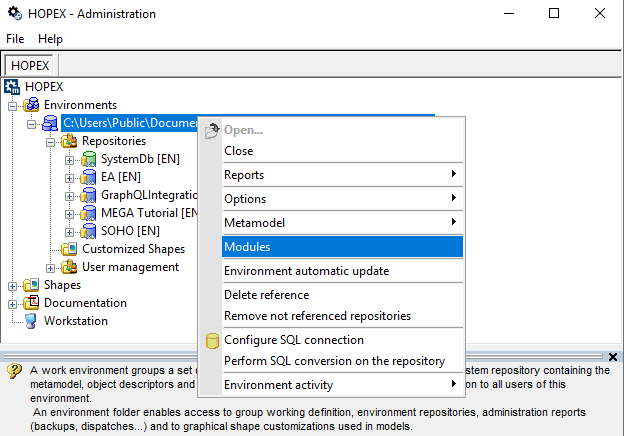
3. Right-click your environment and select Modules.
4. In the Import a module dialog box, select the « Questionnaire Builder » module and click OK.
Import is launched.
Import is launched.