Creating an Organizational Process Diagram
The procedure varies slightly depending on whether you are in Windows Front-End or Web Front-End.
To create an organizational process diagram:
 Right-click the process name and select Organizational Process Diagram.
The diagram window appears. You are now in the HOPEX graphic editor.
Example
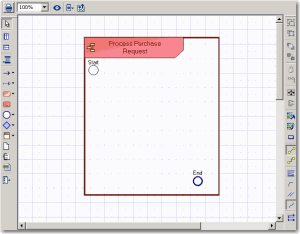
The diagram is initialized: the current process, represented by a frame, is placed in the diagram.