Accessing Processing Activities
To access processing activities in HOPEX GDPR:
1. In the navigation menu, select Record of Processing.
2. Select a processing activity to open its property page.
Describing Processing Activities
As an activity owner, you need to use the first three tabs in the processing activity property page to fully describe processing activities:
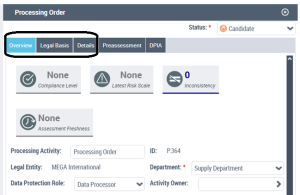
 The Pre-assessment and DPIA tabs are to be used by the GDPR team only. For more information, see Assessing Processing Activities.
Processing Activity Dashboard
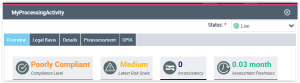
At the top of the page, you are given an overview of the processing activity.
The information displayed here takes into account the assessments made through pre-assessments and DPIAs.
This dashboard is empty until the GDPR team starts assessing the processing activity.
For more information, see Consulting DPIA Reports and Results.