SolMan Updating Mapping Report
When you launch the SolMan Updating Mapping Report, two reports are available:
• Report Parameters
• SolMan Updating
Similarly to the SolMan Updating Report, the SolMan Updating Mapping report presents the updates made to SolMan projects from a particular point in time in the current HOPEX transaction.
This report also displays the mapping relations in the SolMan project and the impact of the different updates on the mappings between:
• HOPEX objects
• SolMan objects.
The mapped HOPEX objects appear in the tree in the list under the SolMan object with which it is mapped.
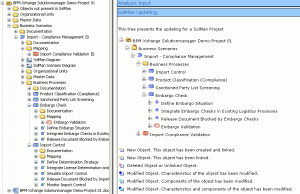
Example of a SolMan Update Mapping Report without updates
The SolMan project information is displayed in a tree.
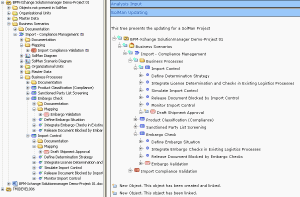
Example of a SolMan Update Mapping Report with updates
As can be seen in the SolMan Updating Mapping report example above, changes and updates are not displayed in an "Updating" folder. They are simply added to the tree.
This report simply indicates the mapping updates/changes that have been made but offers no details.