Executing a descriptor
To execute a descriptor:
1. Access the descriptor editing window.
2. From the descriptor editing window, select MEGA > Process.
The query dialog box appears.
3. Click

.
4. In the dialog box that opens, select the objects that interest you and click OK.
A message box shows the progress of descriptor processing.
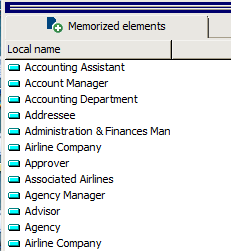
Objects selected are memorized and displayed in the Memorized elements tab.
The result is displayed in an MS Word window:
 See "Accessing the descriptor structure".