Accessing the descriptor structure
To access the descriptor structure:
1. From the Utilities navigation window, double-click the created descriptor.
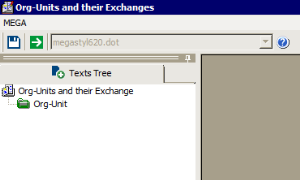
The descriptor editing window appears and displays the Texts Tree tab.
To create the descriptor structure, see:
 See "Creating a Descriptor".