Creating a System Process Diagram
To create a system process diagram:
1. Right-click the system process name and select New > Diagram.
2. In the window that opens, select System Process Diagram, confirm that the Diagram initialization check box is selected and click the Create button.
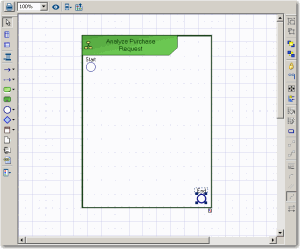
The diagram window opens. You are now in the MEGA graphic editor.
The diagram is initialized. The current process, represented by a frame, is placed in the diagram.