Common Features : Using HOPEX : The HOPEX Web Front-End desktop : Interface Presentation : Managing Windows and Panes
   
Managing Windows and Panes
Arranging windows in the edit area
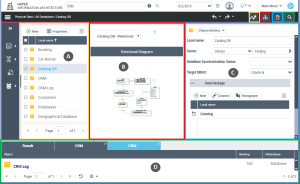
In the edit area, five windows are available to display different types of information:
 
*You can also open a pop-up properties window on a specific object. See "Accessing Commands Associated with Objects".
For better readability, the toolbar associated with the edit area can be used to display or hide the windows.
A: Navigation / B : View and multiple view / C : Properties / D : Result
Folding and expanding navigation panes
You can reduce the navigation panes to icon size to unclutter your workspace. In certain cases, the panes are folded by default.
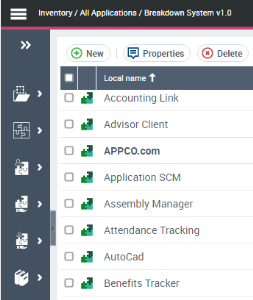
Folded navigation pane
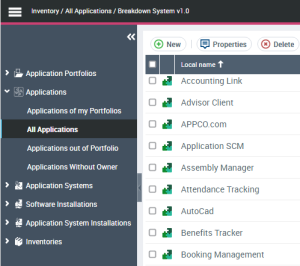
Expanded navigation pane
Organizing folders in navigation trees
You can organize folders in navigation trees the same way as in HOPEX Windows Front-End.
For more information, see "Organizing folders in navigation trees", page 59.