Accessing Object Properties pages
To consult or modify characteristics of an object, you must display the object properties pages.
To access Properties pages of an object:
2. Click the object.
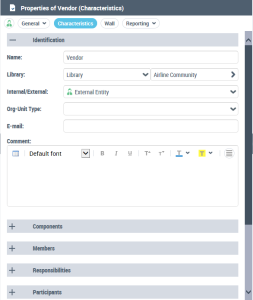
The object properties appear in the read/edit area.
By default, the Characteristics page appears. It displays the local name of the object and its owner library. Properties vary according to the object.