Creating an Organizational Process Diagram
The procedure varies slightly depending on whether you are in Windows Front-End or Web Front-End.
Windows Front-End
To create an organizational process diagram:
1. Right-click the process name and select New Diagram, then the "Organizational Process Diagram" diagram type.
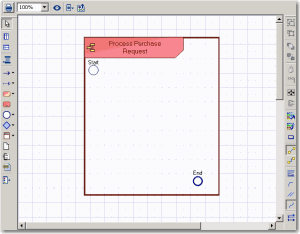
2. Keep the option Diagram initialization selected (by default) to initialize the diagram. Diagram initialization automatically positions the frame of the described process and the main events.
3. Click Create.
Web Front-End
To create an organizational process diagram:

Right-click the process name and select
Organizational Process Diagram.
The diagram window appears. You are now in the HOPEX graphic editor.
Example
The diagram is initialized: the current process, represented by a frame, is placed in the diagram.