 Select Risk > Risk Library > Risks.Select Risk > Risk Library > Risks.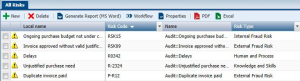
 To be able to assess risks in the framework of assessment campaigns by questionnaires, you must first specify certain properties. For more details, see "Preparing the Work Environment".