Consulting a supervision event file
To consult an event of a supervision file:
1. From your workstation system tray, right-click MEGA Server Supervisor 
and select
Supervision.
The current supervision file opens.

To open another (or several) supervision file , if
MEGA Server Supervisor is in extended configuration select
Hopex Supervision > Supervision from file and select the files.
Alternatively, from
Supervision chart toolbar, click
Open Supervision data file 
and select the files.
2. (optional) If you are on the current supervision file, click
Refresh 
anytime you want to immediately refresh the view data.
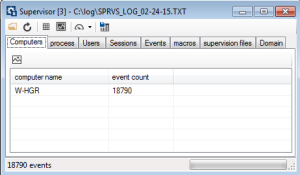
3. Click the tab regarding the view you want to consult:
4. Double-click the line of the view you want to consult the events.
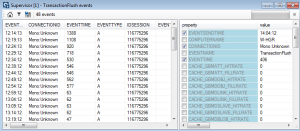
Events regarding this view are displayed in table format.
Each line represents an event of which characteristics are detailed.
5. (optional) In the property pane, select the indicators (columns) you want to be displayed in a table column.
6. (optional) Right-click the event for which you want to display a graph and select show graph for <event name>.
You cannot get a graph for an Error type or Warning type event.
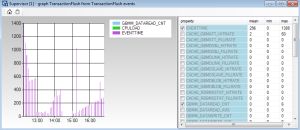
The graph is displayed.
7. In the property pane, select the indicators you want to be displayed in the graph.
The graph is calculated on the set of the prefiltered original view, taking into account the event selected.
8. (optional) Click
copy graph image to clipboard 
to copy the graph image in the clipboard.