Navigation Area
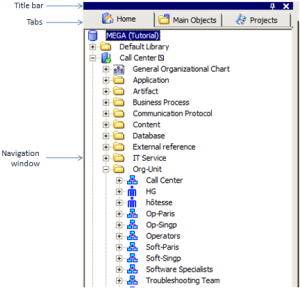
The navigation area contains tabs that allow you to navigate in the repository and easily access objects.
The navigation area comprises:
• an active navigation window, which enables access to repository objects.
• tabs, which allow navigation in the navigation area windows.

At first connection, the
Home and
Projects tabs are present by default. You can add or delete tabs according to your needs.
• a title bar, which enables organization of the display of windows in the desktop.
You can for example move or dock a window.
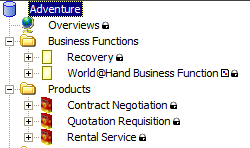
At access to the repository in read-only, a padlock alongside an object indicates that it cannot be modified.