1. Overview
1.1. Technical limitations
1.1.1. Web browser Version
This website template is compliant with the following web browsers:
• Firefox 75 and above
• Chrome 81 and above
1.1.2. Resolution
This website is optimised for a 1920 x 1080.
1.1.3. Licensing
It only considers the scope of the ITPM and ITBM licence.
1.1.4. Deployment
Once generated, the static website needs to be hosted on an IIS webserver to enable all the functionalities.
The functionalities that require IIS include but are not limited to:
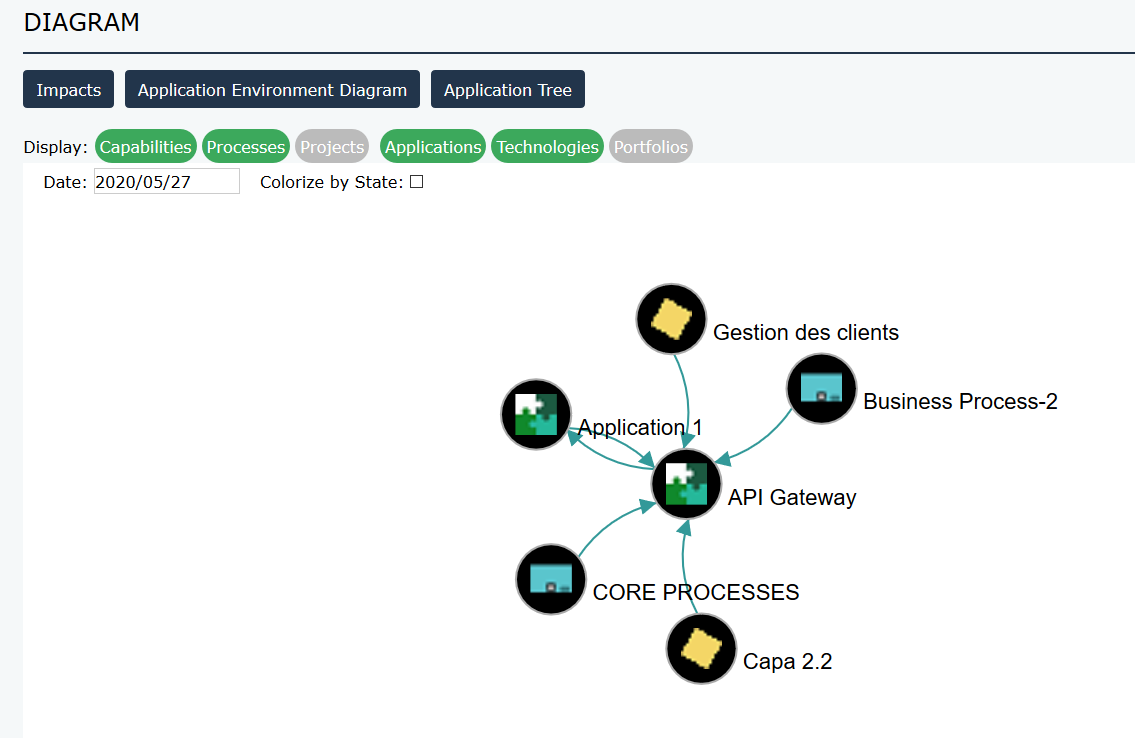
• Application Impacts diagram
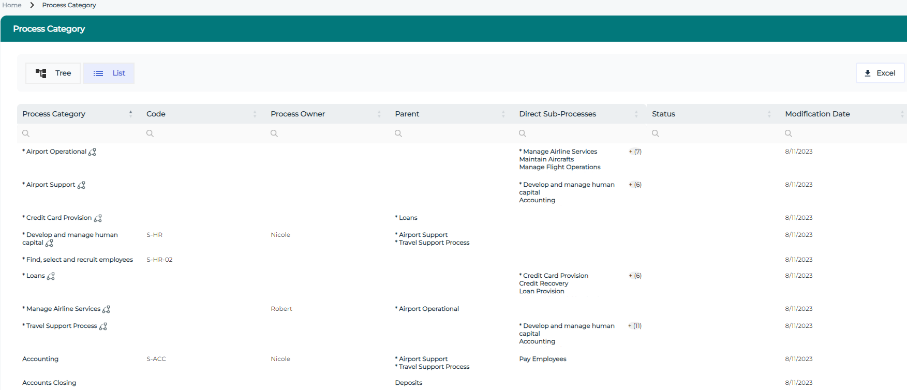
• Capabilities and Process tree list
1.1.5. Languages
The website structure is available in English, French, Spanish and Portuguese. The translations can be amended using the _Code Templates referenced in the descriptors.
The website is generated in the language set on the user running the web generation.
The translation of the content itself relies on the available languages of HOPEX.
1.2. Data scope
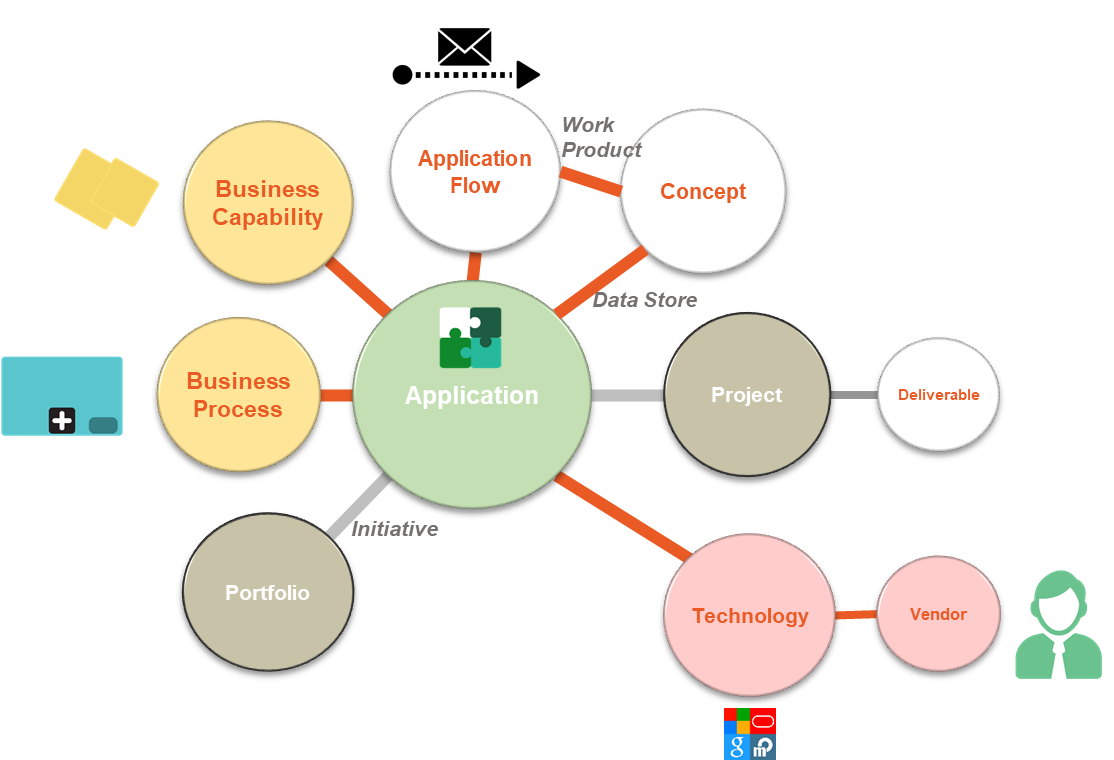
HOPEX360 covers the following data. For more details, refer to the tables at the end of the document.
1.3. Homepage
1.3.1. Overview
1.3.2. Client specific
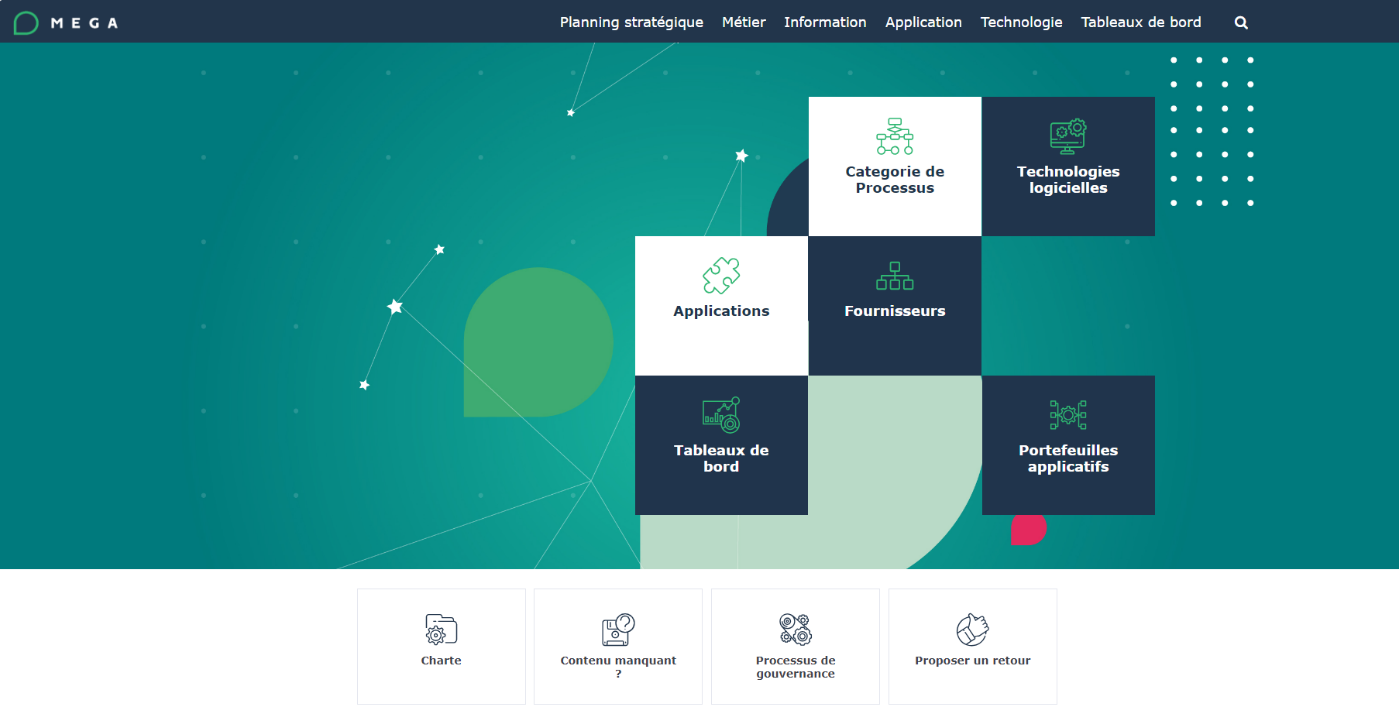
The 4 tiles at the bottom do not point anywhere. It is up to the consultant and/or the client to customize the links in the Homepage descriptor.
The purpose of these links is to point to:
• Client specific Charter: online document
• Missing content: email to a dedicated email address
• Governance Process: online document
• Provide Feedback: email to a dedicated email address
To customize the tiles at the bottom:
1. Open the “HOPEX360_Home” Descriptor.
2. Open the “Bottom Tiles” text.
3. Add a link within the <h6> tag:
o Client specific charter: line 47
o Missing content: line 92
o Governance Process: line 145
o Provide feedback: line 188
1.4. Site Map
The top menu allows to navigate through the pages.
Here is a breakdown of the navigation:
|
Navigation menu
|
Associated Object
|
||
|
Strategic Planning
|
Enterprises
|
Enterprise list: searchable hierarchical list
|
Enterprises
|
|
Business
|
Capability
|
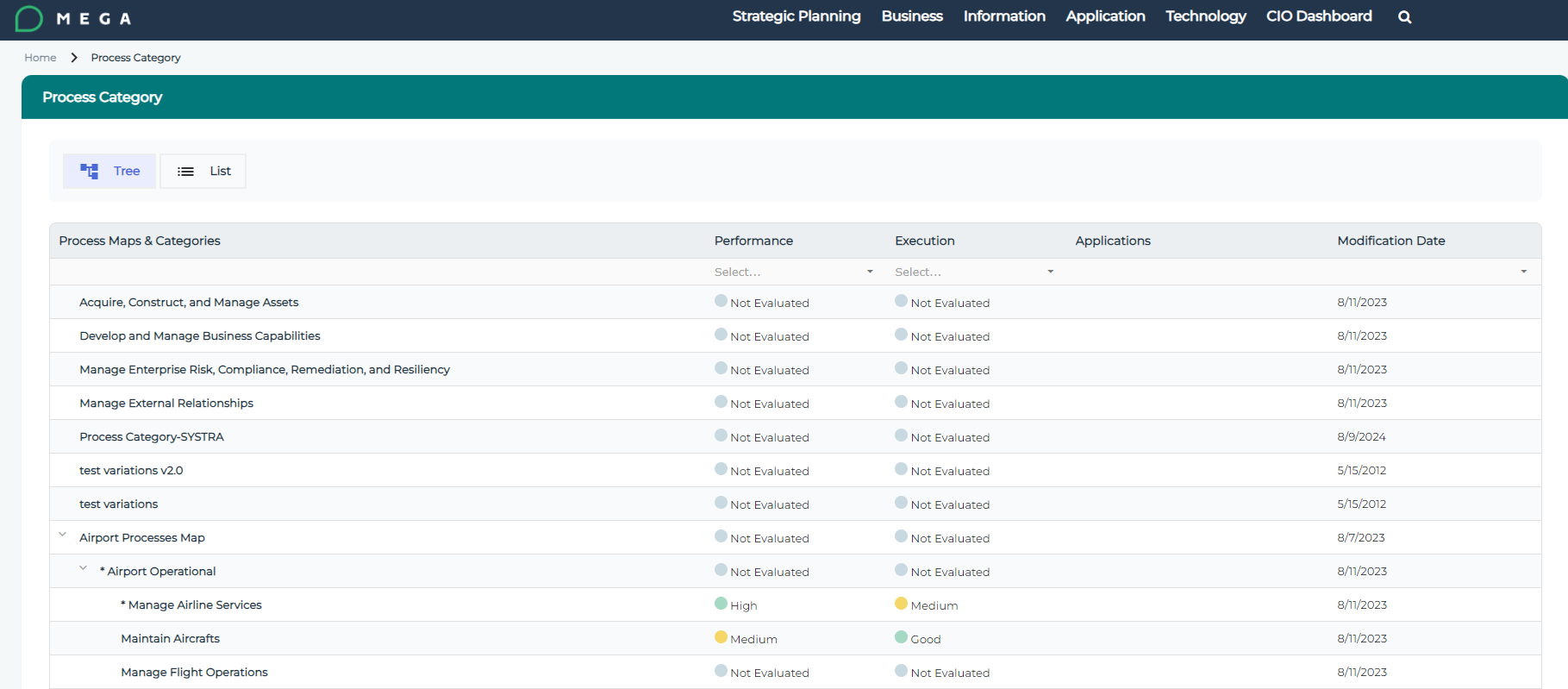
Capability Tree list: searchable hierarchical list
|
Business Capability Maps
Business Capabilities
|
|
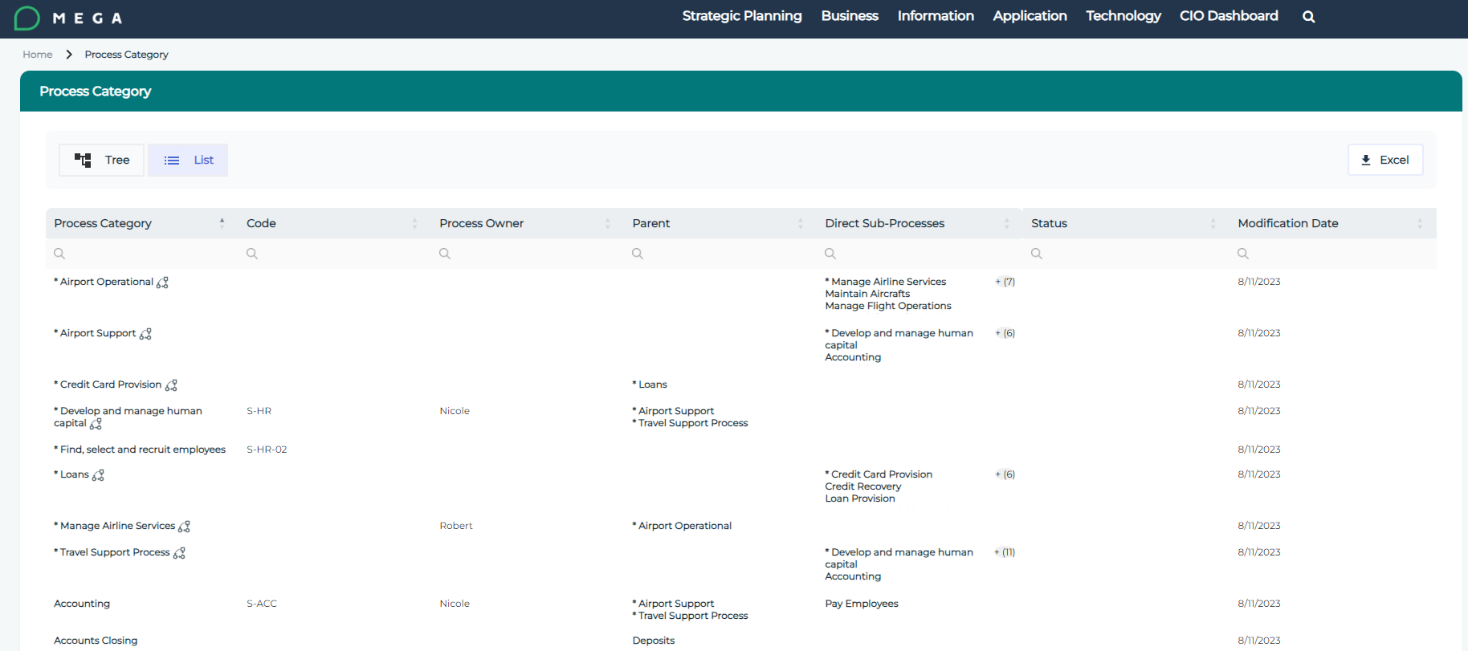
Capability list: alphabetically sorted flat list
|
|||
|
Process
|
Process Tree list: searchable hierarchical list
|
Process Categories
|
|
|
Process list: alphabetically sorted flat list
|
|||
|
Information
|
Dictionary
|
Concept list: alphabetically sorted flat list
|
Concept
|
|
Business Information Maps
|
Business Information Map list: searchable hierarchical list
|
Business Information Maps
|
|
|
Application
|
Portfolios
|
App portfolios list: alphabetically sorted flat list
|
Portfolio typed as Application
|
|
Applications
|
Application list: alphabetically sorted flat list
|
Application
|
|
|
Projects
|
Project list: alphabetically sorted flat list
|
Project
|
|
|
Technology
|
Portfolios
|
Tech portfolio list: alphabetically sorted flat list
|
Portfolio typed as Technology
|
|
Technologies
|
Technology list: alphabetically sorted flat list
|
Technology
|
|
|
Vendor
|
Vendor list: alphabetically sorted flat list
|
Org Unit typed Vendor
|
|
|
CIO Dashboard
|
Main dashboard
|
Specific report page
|
|
|
Technology Obsolescence
|
Specific report page
|
||
|
Strategic Planning
|
Specific report page
|
||
|
Rationalization
|
Specific report page
|
||
|
Report list: alphabetically sorted flat list
|
Specific report page
|
||
|
Search
|
|
Pop up to type in key words
|
Results shown in table
|
1.5. List index
1.6. Tree list index
1.7. Search
The search is implemented by the Fusejs library (https://fusejs.io/).