Default Deformation
Proportional Deformation
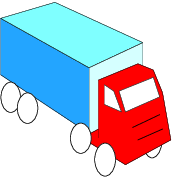
By default, shape deformation conforms to proportional logic. The same reduction or enlargement factor is applied to each object:

Text Fields Deformation
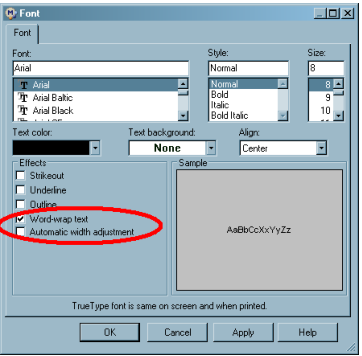
The behavior of text fields can be tweaked by two options.
|
Word-wrap text
|
Automatic width adjustment
|
|
|
Yes
|
No
|
 |
|
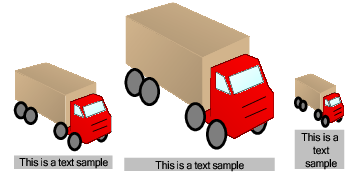
The field width is deformed proportionally while the height is calculated to allow display of the complete text
|
||
|
Yes
|
Yes
|
 |
|
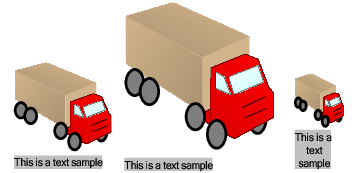
The field height is calculated to allow display of the complete text. The field width is then calculated to fit the text width.
|
||
|
No
|
Yes
|
 |
|
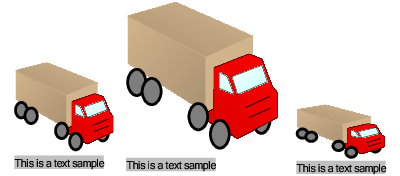
The text is always displayed on one line. The field width is calculated to fit the displayed text.
|
||
|
No
|
No
|
 |
|
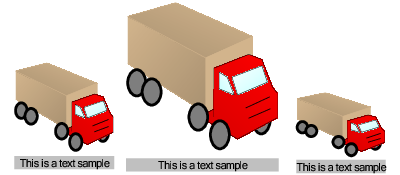
The text is always displayed on one line. The field width is deformed proportionally but cannot be smaller than the displayed text.
|
||
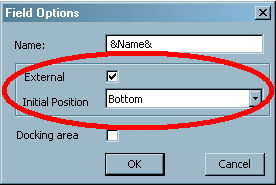
External Text Fields
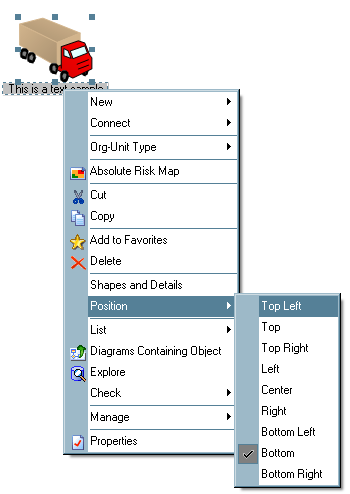
Text fields can be defined to be external to the shape. External fields are ignored during a shape deformation and appear outside the shape frame. The user can modify the position and the width of such fields directly in the diagram.