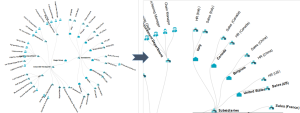
Handling a Dendrogram
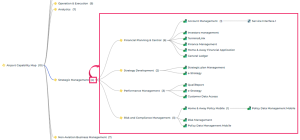
A dendrogram illustrates the environment of an object. You can improve its display:
• in the report parameters:
• modify the Number of displayed levels by default
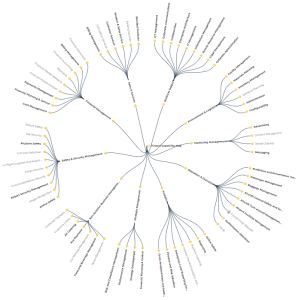
• modify its Display mode (circular or horizontal)
• in the dendrogram:
• modify the depth of display of a branch levels from a specific object
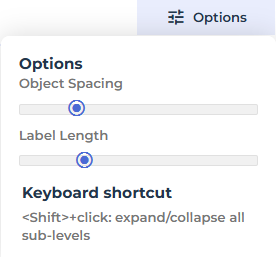
• modify the display: object spacing and label size
You can also:
• display an additional level for a single branch
• display all of the levels of a specific branch
• display a dendrogram in full page
• zoom in and move through the dendrogram
• display the properties of an object contained in the dendrogram
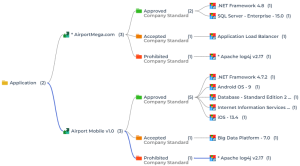
Example of a Report Template showing a dendrogram:
“Environment report”
In addition to Display and Number of displayed levels parameters, this Report Template also includes the following parameters:
Subject: defines the source object of the dendrogram.
Hierarchy: defines the link (via a MetaAssociationEnd or a query) browsed recursively to display the objects.
Deepness: defines the number of displayable levels of a branch.
Improving a dendrogram readability



Displaying the next level

Displaying the dendrogram in full page


Zooming in and moving through a dendrogram