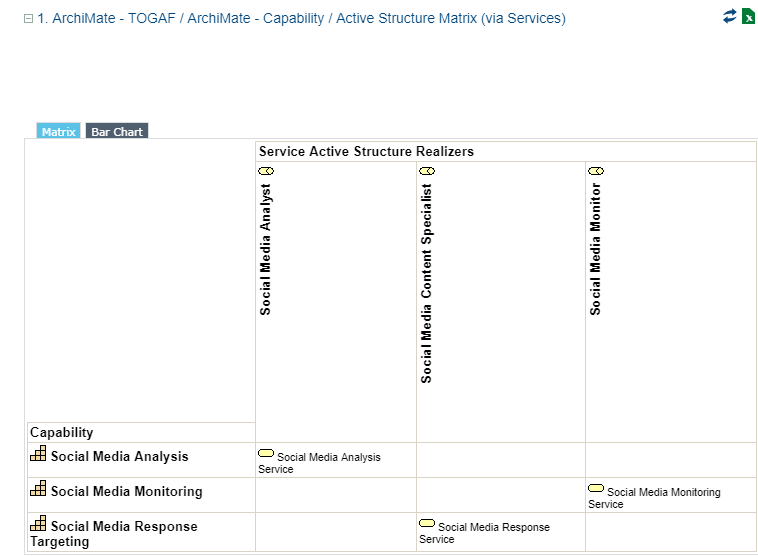
Example of HOPEX for the ArchiMate Framework Reports outputs
To use the Report Template "ArchiMate - TOGAF® / ArchiMate Capability X Active Structure Matrix (via Services)" provided with HOPEX for the ArchiMate Framework reports:
1. Click the navigation menu and select Reports > Other Reports.
2. Click My Reports tile.
3. Click New button.
4. The Creation of Report opens, click Next.
5. Select the Report Template "ArchiMate - TOGAF® / ArchiMate Capability X Active Structure Matrix (via Services)".
6. Click Next.
7. In the ArchiMate Capability List, select the capabilities that interest you and click Connect.
The report is displayed in the edition area.