Creating an Application Structure Diagram
 An Application Structure Diagram displays graphically the first level components of an Application, the access points (service/request points) and the connections between the components.
To create an application structure diagram:
1. In the NAF navigation tree, expand System Views > NSV-1 System Interface Description > Applications.
2. Right-click an application and select New > Application Structure Diagram.
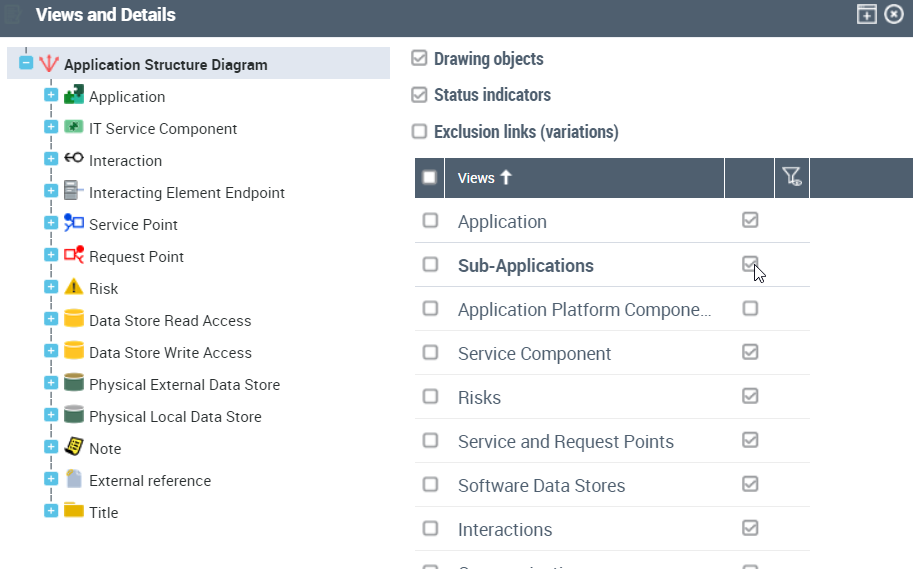
Before starting to draw your diagram, you need to display the sub-application view.
To display sub-applications:
1. From the diagram toolbar, click the View and Details button.
2. In the window that appears, select the Sub-applications check-box.