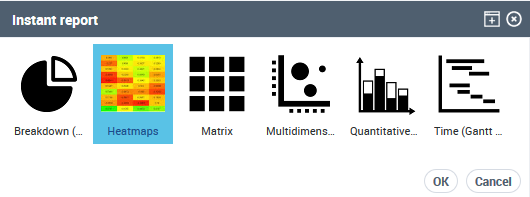
How to Customize a Report Icon
You can customize a report icon:
• modify the default report icon image
• modify the report icon name
To customize the report icon:
1. Access the Report Template properties.

2. In the Characterictics page:
• click Update Image and select the image you want to be displayed.
• in the _GUIName field enter the report icon name you want to be displayed.
3. Click OK.
For example, you can customize the "Execution and Performance Heatmaps" report added in the Instant Report list available as follows:
image: 
_GUIName: Heatmaps