Creating Object Versions
When you create a new version of an application, you duplicate the object while establishing a version link.
To create a version of an application:
1. Access the properties of the object of interest.
The Versions button displays in the header of the properties page.
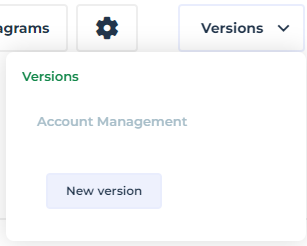
2. Click New version.
A dialog box opens to help you create the new version via the list of components of the source object.
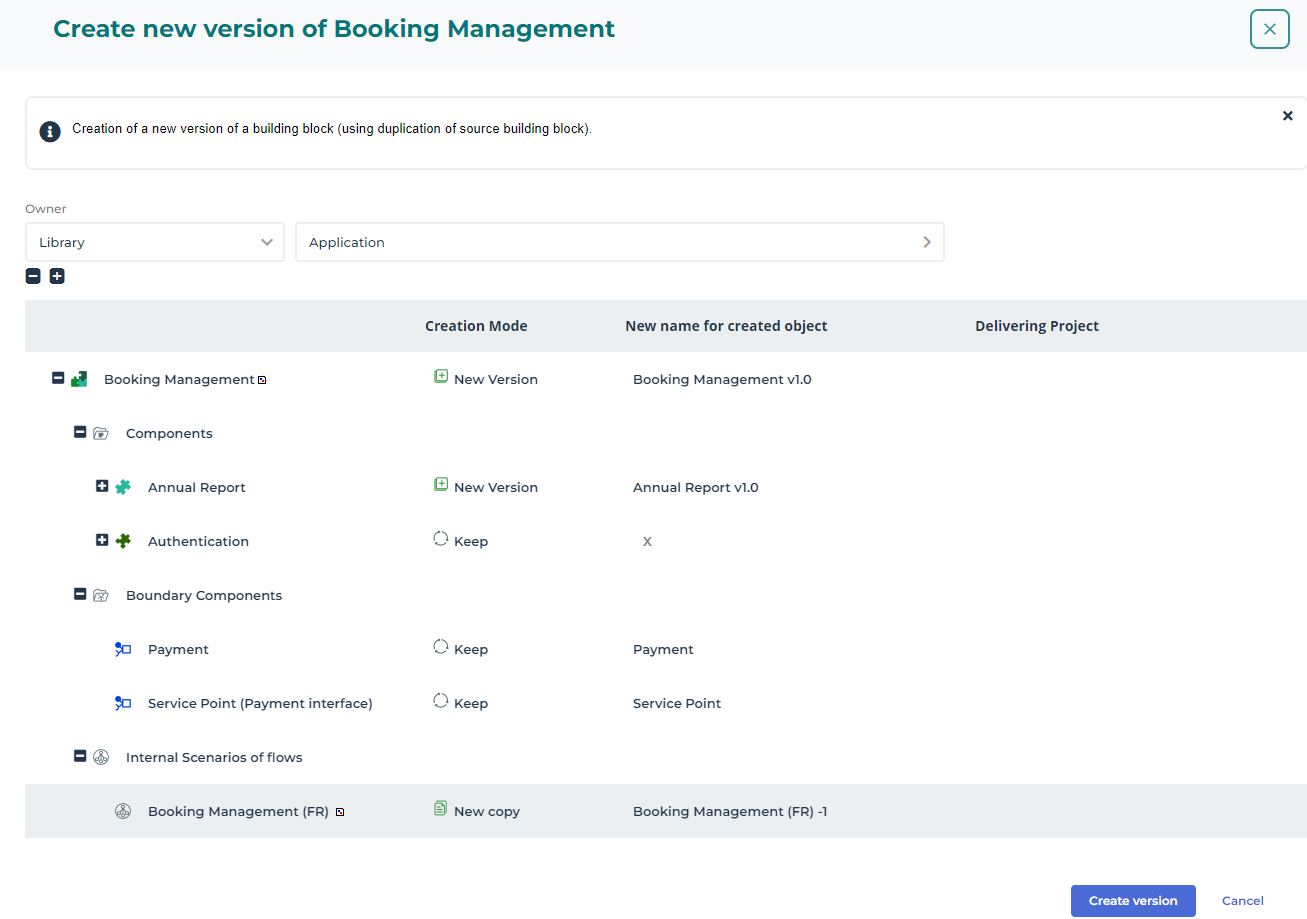
Version creation wizard with HOPEX IT Architecture.
3. Select the Owner of the new version.
4. For each component of the source object, the Creation mode column offers the following options:
• Keep the component, that will then be shared between source and target versions.
 For Frontier components, a new component is created featuring the same characteristics as the source object frontier components. The characteristics (e.g.: a communication protocal) are shared between the different versions.
• Create a New version of the selected component. In this case, the name of the new component appears in the New name for created object.
• Ignore the component that will not be duplicated or referenced.
5. For each element associated to the source object (e.g.: a scenario of flows, an environment or a deployment architecture), the Creation mode column offers the following options:
• Create a New version of the selected element. In this case, the name of the new element appears in the New name for created object column.
A new version of the element is created. Associated diagrams are identically created.• Ignore the element that will neither be duplicated nor referenced.
6. Click Create a version to validate your choices.
The new version is created, it carries the name of the source object, with an extension corresponding to the version number.
The source object and its versions are not locked.The diagrams describing the source object are created and fit the specifications provided in the wizard.