Deleting a diagram
To delete a diagram:
1. Access the diagrams of the object of interest.
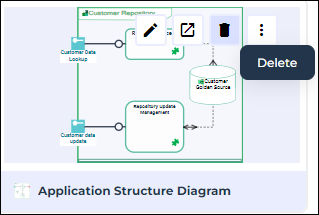
2. Hover the cursor over the thumbnail of the diagram you want to delete.
3. Click Delete.
A confirmation window opens.
4. The involved diagram is selected by default in the list. Click Delete to confirm the deleting of the diagram.