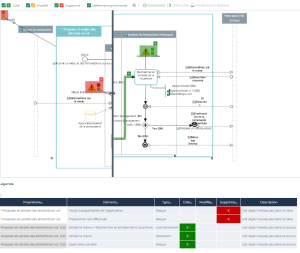
Diagram comparison
 For more details on the use of a diagram comparison report, see Comparing Diagrams.
Path
Navigation bar > Reports > Create a report.
Procedure
To create a diagram comparison report:
1. Click the Create a report button and select Diagram Comparison.
A creation window opens.
2. Specify the following fields:
• Type
• Source object
• Target object
• Source diagram
• Target diagram
The comparison is based on the hypothesis that the target object has been created from a source object version.3. Click Preview.
The report is displayed providing the following informations:
• The list of deleted objects: name and type of objects existing in the diagram of the older object (source object) but not in the diagram of the most recent object (target).
If the target object is in a version less recent than the source object, HOPEX automatically manages the error correction.• The list of new objects: name and type of objects existing in the diagram of the most recent object (target) but not in the diagram of the older object (source).
• The list of modified objects that provides:
• The name and the type of each object whose name has been modified in the target object.
• The name and the type of objects connected to different participants in the target and the source diagram.
Result